CommercialAutoROC · ROC & MCA filing workspace

Your clients ask in plain words. The e-Form comes back filled.

For Company Secretaries and Chartered Accountants who file ROC forms for many companies and LLPs. Clients raise requests on their own portal; an assistant picks the MCA e-Form, pre-fills what is known, asks for the rest and checks every DIN, PAN and date — you review, file on MCA V3 and record the SRN.

  • 15 MCA e-Forms it knows how to fill
  • Client portal with CIN + access code
  • Due dates tracked for every client
DashboardTicketse-Forms
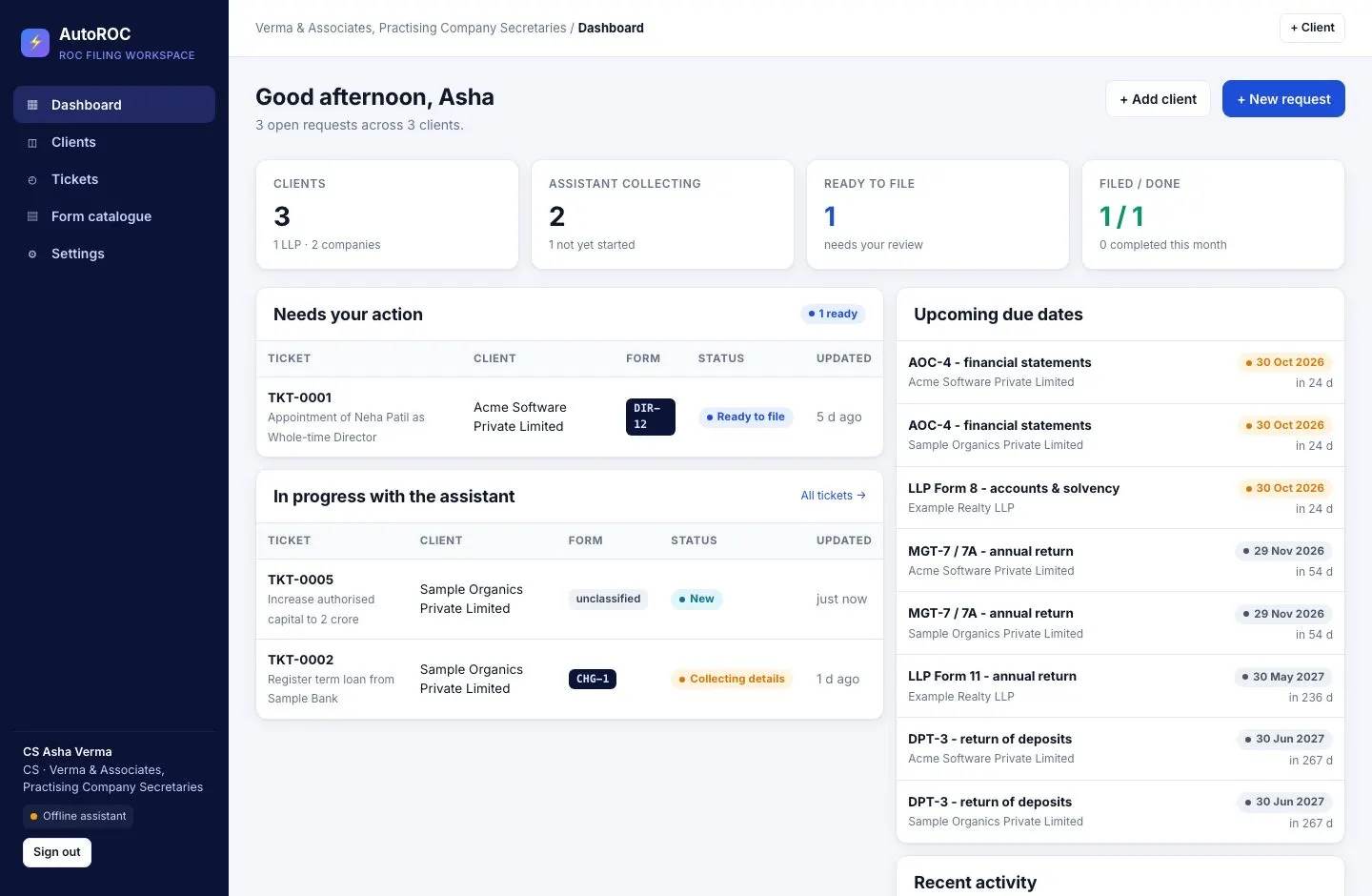
AutoROC dashboard: requests needing action, requests the assistant is collecting, and upcoming ROC due dates
Real product screen with sample data — fictional companies, people and identifiers.

WhySound familiar?

Three things we hear in every first conversation.

From Company Secretaries and Chartered Accountants. Composite quotes from discovery calls — the problems are real; the names are left out.

AutoROC: The problem, before AutoROC
A practice filing ROC forms for dozens of companies
  1. “Half my week is chasing clients for one DIN and a board resolution.”

    Details arrive over WhatsApp, email and phone calls — in pieces, often wrong, never in one place.

    Practising Company SecretaryDays lost per form to follow-ups

  2. “We type the same company details into every form.”

    CIN, address, directors — re-keyed for each filing, and each re-key is a chance for a typo the portal rejects.

    CA · compliance practiceRejections from avoidable errors

  3. “A due date slips because it lived in someone’s head.”

    Thirty clients, fifteen forms, each with its own deadline after an AGM, an allotment or a board meeting.

    Senior associateAdditional fees and unhappy clients

HowWhat changes with AutoROC

The same three problems, on the screens that solve them.

Real AutoROC screens, captured with sample data. In your walkthrough we load your own clients and pending filings.

01Chasing clients

Clients raise requests themselves — the assistant asks for what’s missing.

  • A portal per client with their CIN and an access code; requests in plain words, documents attached
  • The assistant asks one clear question at a time and checks each answer

Details arrive complete, in one place

AutoROC screen: Clients raise requests themselves — the assistant asks for what’s missing.

02Re-keying

The e-Form comes pre-filled from the company record.

  • Everything already known about the company goes straight in; DIN, PAN, CIN, dates and amounts are validated
  • Print to PDF or export JSON for the MCA V3 portal

Review and file — don’t retype

AutoROC screen: The e-Form comes pre-filled from the company record.

03Missed due dates

Every client’s due dates on one dashboard.

  • Annual filings, KYC and event-based forms with days left, next to what needs your action
  • Tickets move new → collecting → ready → filed → done, with the SRN on record

Nothing waits in someone’s head

AutoROC screen: Every client’s due dates on one dashboard.

FieldAutoROC in the field

The people, the phone, the place.

The workplace it runs in, the person who uses it on a phone, the team at the desk and the detail it reads.

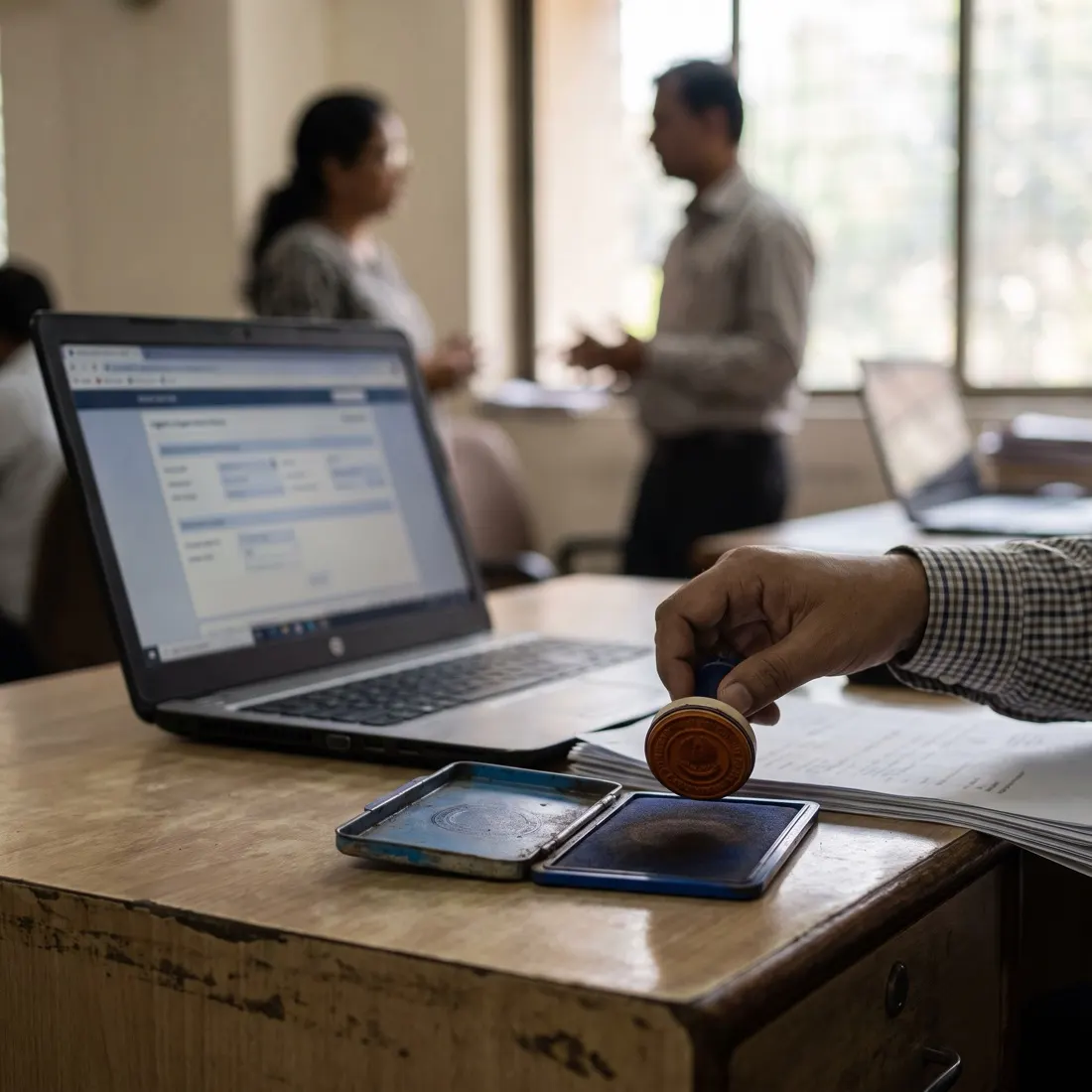
AutoROC: Where AutoROC runs
Where AutoROC runs
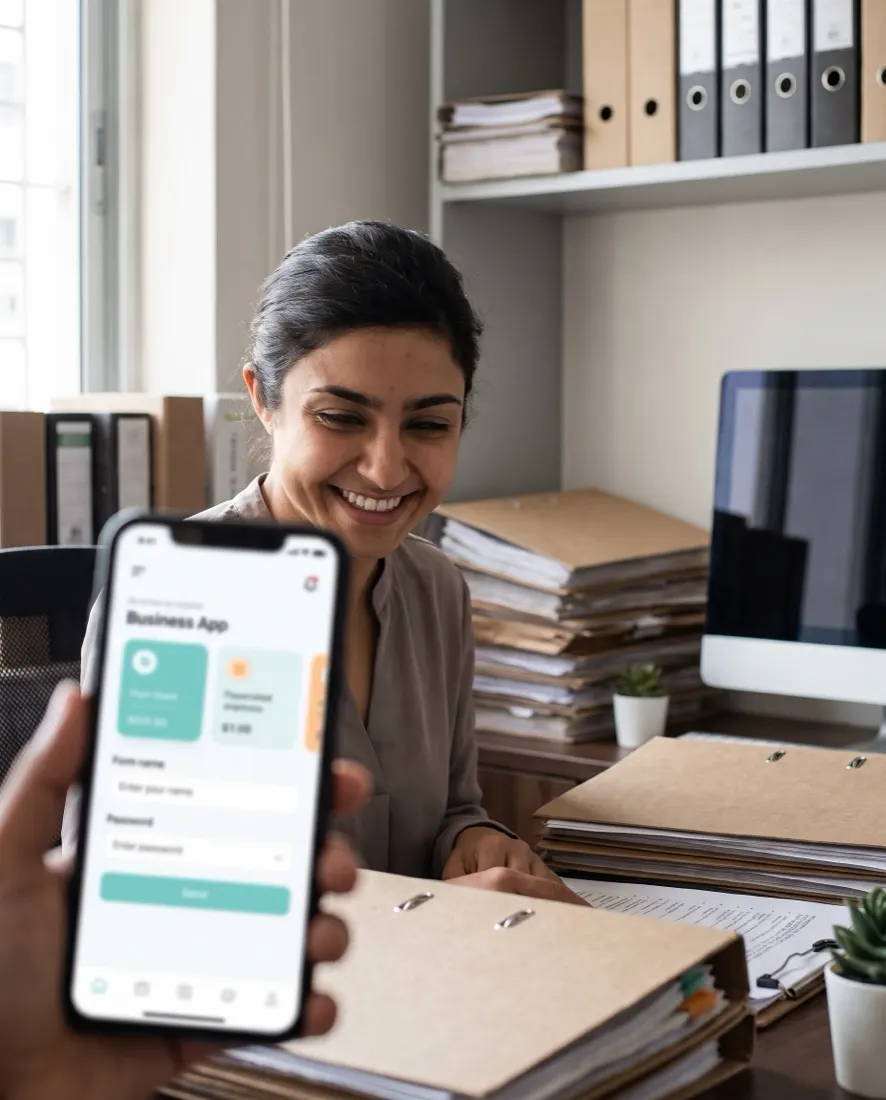
AutoROC: On the phone, where the work happens
On the phone, where the work happens
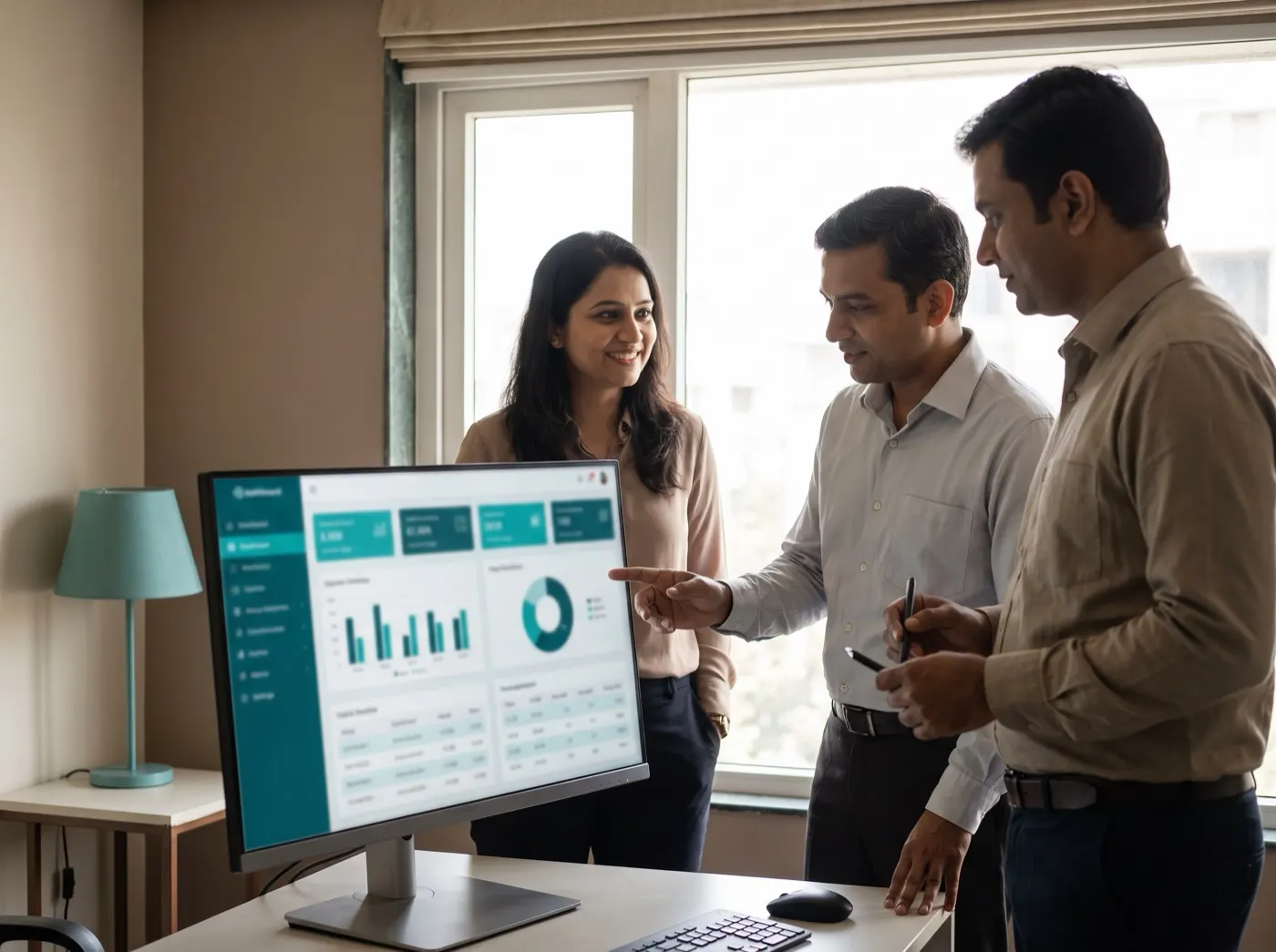
AutoROC: The team at the AutoROC desk
The team at the AutoROC desk
AutoROC: The detail AutoROC reads
The detail AutoROC reads

Photographs are illustrative — real customer sites are not shown.

  • 15MCA e-Formsdirectors, office, capital, charges, annual, LLP
  • 5Ticket stagesnew · collecting · ready · filed · done
  • DIN · PAN · CINValidated on entryplus dates and amounts
  • 2Portalsprofessional desk · client access
  • PDF · JSONe-Form outputfor the MCA V3 portal
  • 10Real screensshown below

01The real screens

Not a mock-up. This is the product.

Click through the screens a Company Secretary and their client actually use — the dashboard, a ticket ready to file, the pre-filled e-Form, the SRN, and the client’s side of the conversation.

autowhat · AutoROC / Dashboard Sample data
AutoROC screen

What needs your action, what the assistant is still collecting, and every client’s upcoming due dates.

Real screens of AutoROC, captured with sample data. Companies, people, CINs, DINs and PANs are fictional.

02Request to SRN

Eight steps. You only do the two that need a professional.

The client describes the change and answers questions. The assistant does the classifying, pre-filling, chasing and checking. You review and file.

  1. 01

    Client raises a request

    Client portal · CIN + access code

    “Appoint a director”, “shift the registered office”, “register a bank loan” — in plain words, with documents attached.

  2. 02

    Form identified

    Classifier

    The request is mapped to the right MCA e-Form — DIR-12, INC-22, CHG-1 and the rest — with a confidence level.

  3. 03

    Pre-filled from the master

    Company record

    CIN, name, address and everything already known about the company goes straight into the form.

  4. 04

    Interview for the gaps

    Assistant

    The assistant asks the client only for the fields still missing, one clear question at a time.

  5. 05

    Checked as it goes

    DIN · PAN · CIN · dates · amounts

    Formats are validated on entry, so a typo never reaches the professional’s desk.

  6. 06

    Documents read

    PDF · images

    Board resolutions, consents and sanction letters are attached to the ticket and read by the assistant.

  7. 07

    Professional reviews

    Ready to file

    The CS or CA checks the pre-filled e-Form, prints it to PDF or exports JSON for the MCA V3 portal.

  8. 08

    Filed and closed

    SRN recorded

    The SRN and filing date are recorded; the ticket moves to done after ROC approval.

03Form catalogue

Fifteen e-Forms, each with its fields, attachments and due rule.

Anything else is raised as a general request — the assistant still collects the details. A new form is one entry in the catalogue; the interview, checks and e-Form layout follow automatically.

  • DIR-12Appointment and changes of directors / KMPWithin 30 days of the meeting or resignation
  • DIR-3 KYCKYC of directorsOn or before 30 September every year
  • INC-22Change of registered officeWithin 30 days of the change
  • AOC-4Financial statementsWithin 30 days of the AGM
  • MGT-7 / 7AAnnual returnWithin 60 days of the AGM
  • DPT-3Return of depositsOn or before 30 June every year
  • SH-7Alteration of share capitalWithin 30 days of the resolution
  • PAS-3Return of allotmentWithin 30 days of allotment
  • CHG-1Creation or modification of chargeWithin 30 days of creation
  • ADT-1Appointment of auditorWithin 15 days of the AGM
  • MGT-14Resolutions and agreementsWithin 30 days of the resolution
  • INC-20ACommencement of businessWithin 180 days of incorporation
  • INC-24Change of nameWithin 30 days of the special resolution
  • LLP Form 11LLP annual returnBy 30 May
  • LLP Form 8LLP statement of account and solvencyBy 30 October

04The assistant

Rules when you want certainty. A language model when you want a conversation.

Both modes write to the same fields, run the same checks and hand you the same e-Form.

Mode 1 · rule-based

Asks every missing field, in order

Keyword classification, one question per field, format checks on every answer — and the ticket marked ready when the last required field is in.

Mode 2 · language model

Reads the request and the documents

Classifies the form from the client’s words and attachments, holds a natural conversation, records fields through structured tool calls and marks the ticket complete.

The e-Form is a pre-filled reference for transcription. Always verify against the live MCA form before filing.

FAQQuestions we get about AutoROC

Straight answers, before the call.

AutoROC is a filing workspace for Company Secretaries and CAs. Short, factual answers for buyers, procurement and the assistants people ask first.

In short. AutoROC is a filing workspace for Company Secretaries and CAs. It is built for company Secretaries and Chartered Accountants. It exists to remove the problems those teams describe in almost every first conversation: days lost per form chasing details over WhatsApp and phone; rejections from re-keyed CINs, addresses and director details; and additional fees when a client's due date slips past. With AutoROC, teams get a portal per client with access code; requests in plain words, documents attached, e-Forms pre-filled and validated from the company record, and every client's due dates on one dashboard, with days left. It connects to MCA V3 e-Forms, DIN / PAN / CIN validation, Client portal and Document vault, is used by CS & CA firms · their clients, and runs on web. Like every Autowhat AI product, AutoROC goes live on one site, lane or process first, usually within weeks, on managed cloud, in your own VPC or on-premises, and shares one operational record with the other products, so the second deployment reuses the data and integrations of the first.

Who is AutoROC for?

Company Secretaries and Chartered Accountants. A filing workspace for Company Secretaries and CAs.

What problems does AutoROC remove?

days lost per form chasing details over WhatsApp and phone; rejections from re-keyed CINs, addresses and director details; additional fees when a client's due date slips past.

What do we get with AutoROC?

a portal per client with access code; requests in plain words, documents attached; e-Forms pre-filled and validated from the company record; every client's due dates on one dashboard, with days left.

What does AutoROC connect to, and who uses it?

It connects to MCA V3 e-Forms, DIN / PAN / CIN validation, Client portal, Document vault. Users: CS & CA firms · their clients. Channel: Web.

How do we start with AutoROC?

With a 30-minute working session on your own data — an engineer from the relevant sector, not a sales queue. The first wave is scoped in that call; most products go live on one site, lane or process within weeks and then scale.

Where does AutoROC run, and who owns the data?

On managed cloud, in your own VPC (AWS, Azure or GCP) or on-premises, with your keys. SOC 2 Type II and ISO 27001 controls, India data residency when required, and local or open-weight models when policy demands it. The data stays yours.

05Walkthrough

Bring one client’s pending ROC work. We’ll show it filled before the call ends.

A working session: your clients added, a request raised from the client portal, the e-Form pre-filled and ready for your review.