

01Calls to the driver
Every trip live, whoever owns the truck.
- A 4G device assigned at the gate; the trip created in forty seconds
- Remaining km and an ETA on every trip
Status calls stop

InsightPortable GPS Tracker · trip manager
For shippers who hire most of their fleet. A 4G device goes in the cab at the gate, the customer gets a live link, cold chains log temperature — and every device comes back.
WhySound familiar?
From logistics heads, cold-chain managers and dispatch desks that hire most of their fleet. Composite quotes from discovery calls — the problems are real; the names are left out.

“Once the truck leaves, we are calling the driver.”
Hired and market vehicles carry no GPS you can see, so every status update is a phone call.
Dispatch deskHours of status calls
“The logger says it went warm — after the customer rejected it.”
Temperature is read from a logger at delivery, when nothing can be done about it any more.
Cold-chain managerBatches rejected at the door
“We bought trackers. Most of them never came back.”
Devices leave on one truck and nobody owns getting them back.
Logistics headLost devices, lost money
HowWhat changes with Portable GPS Tracker
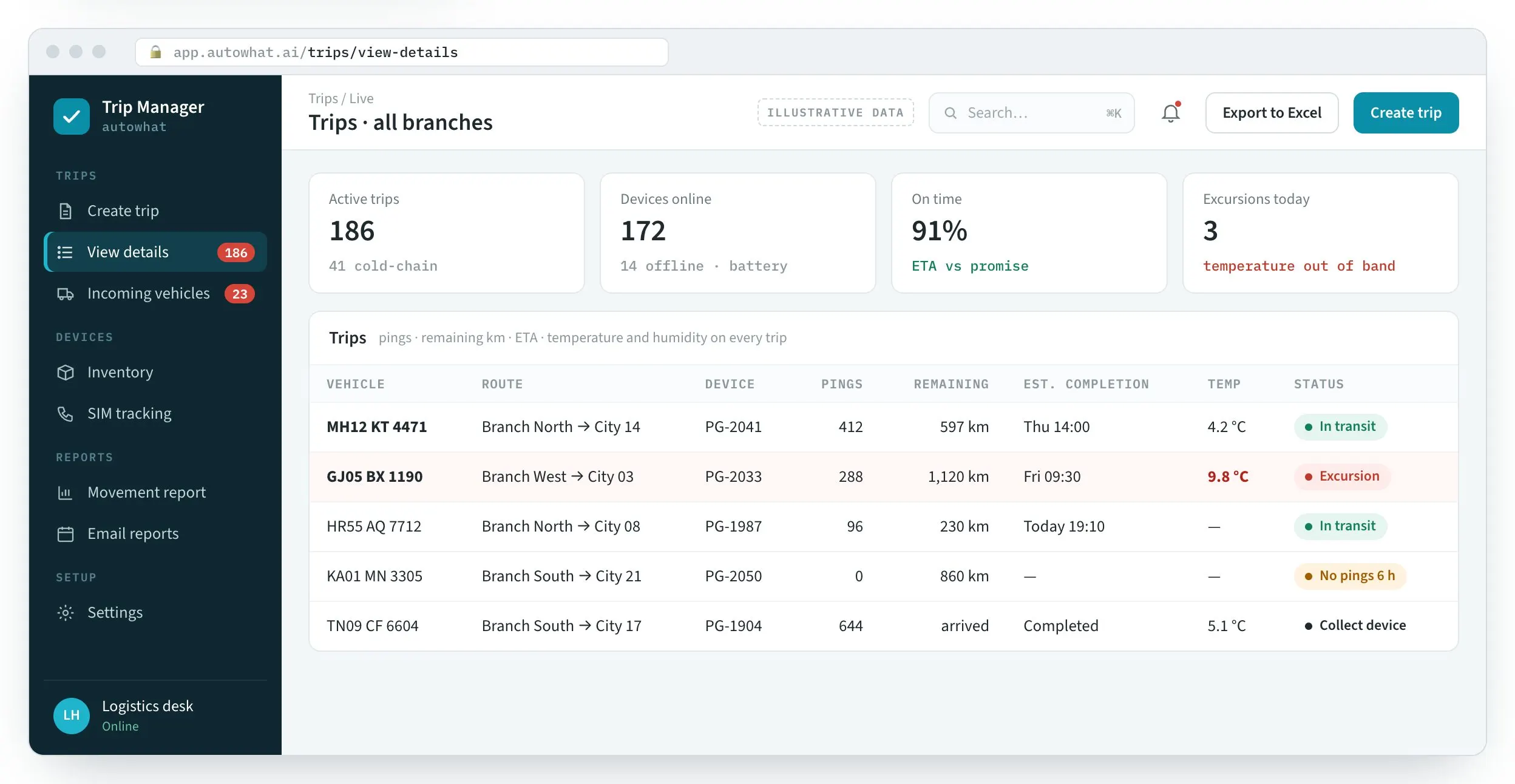
Product screens with illustrative data. In a pilot we put devices in ten of your trucks on one lane.
01Calls to the driver
Status calls stop
02Logger read too late
Act before the customer rejects it

03Lost devices
Devices that come back

FieldPortable GPS Tracker in the field
The workplace it runs in, the person who uses it on a phone, the team at the desk and the detail it reads.
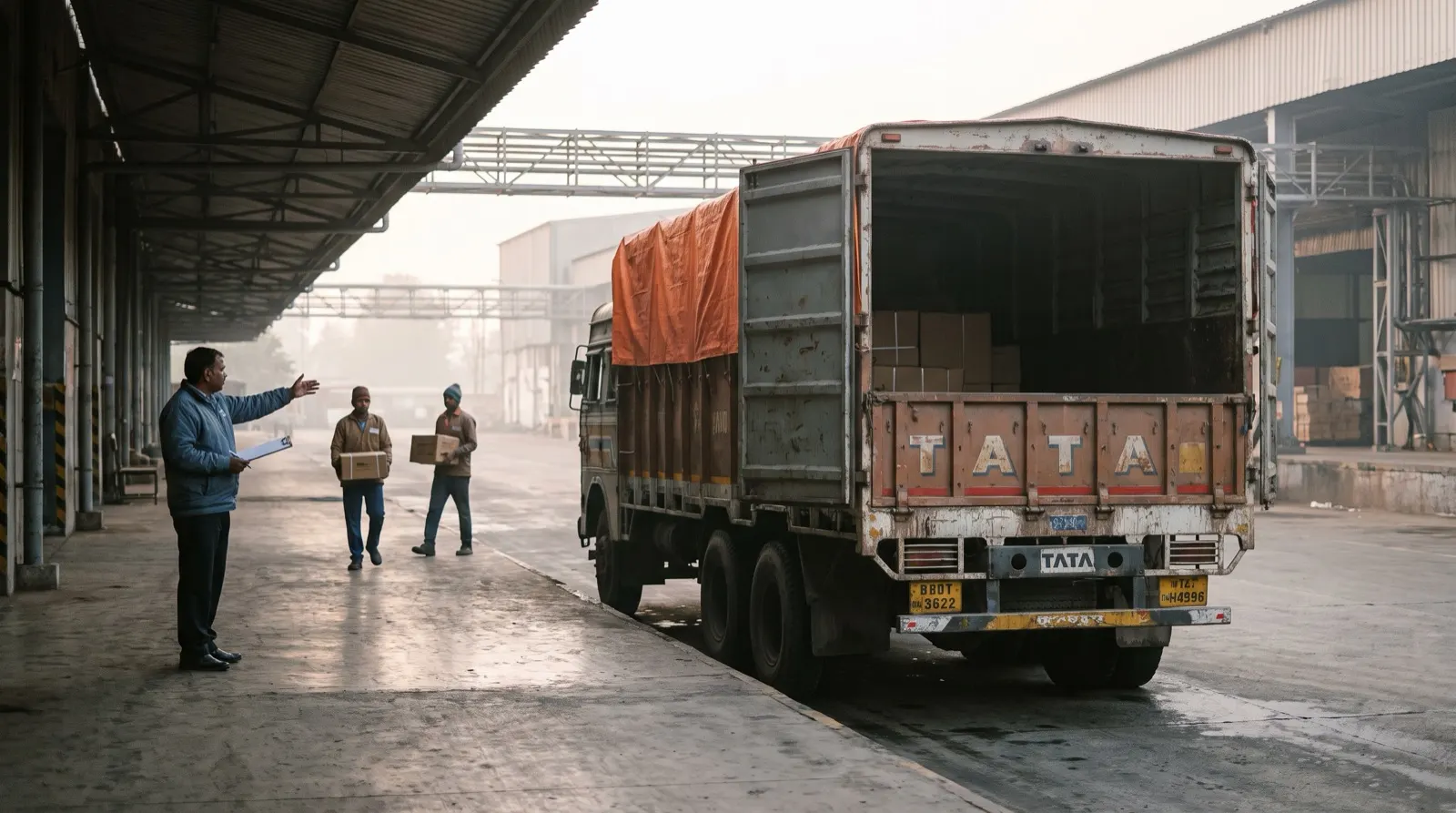
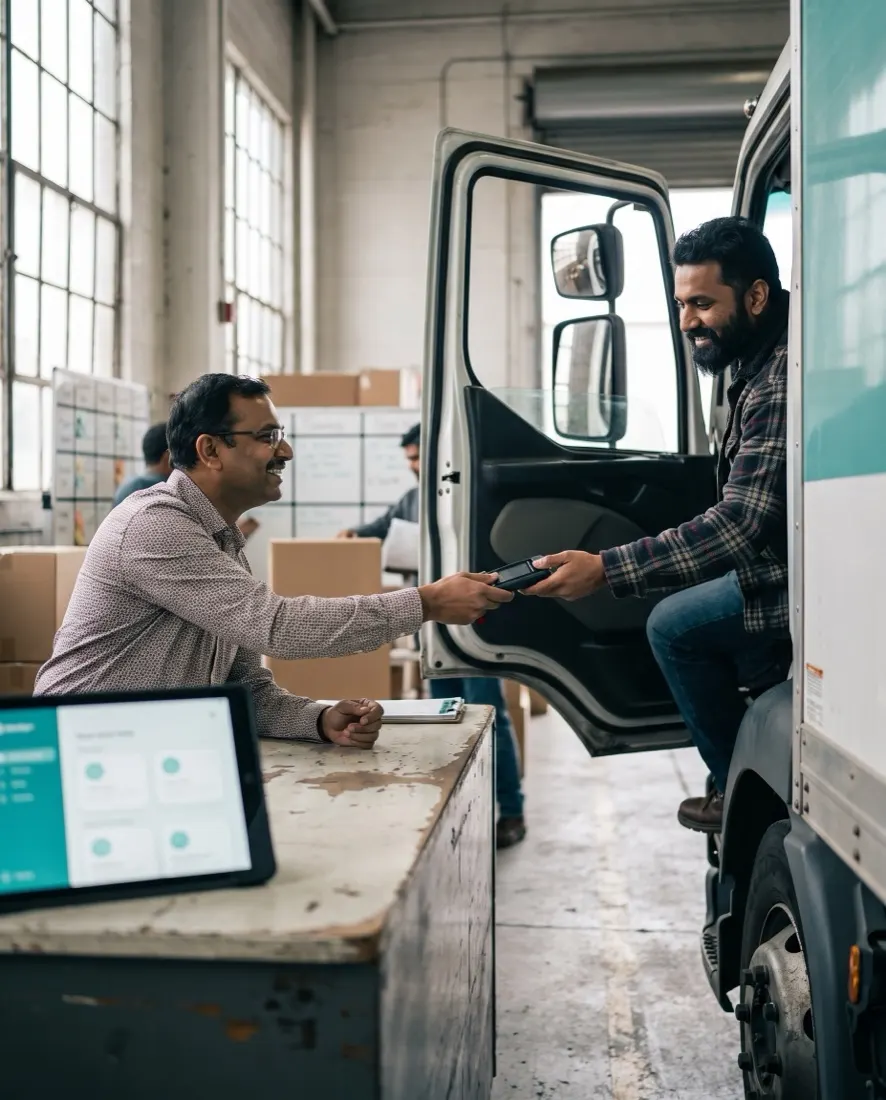
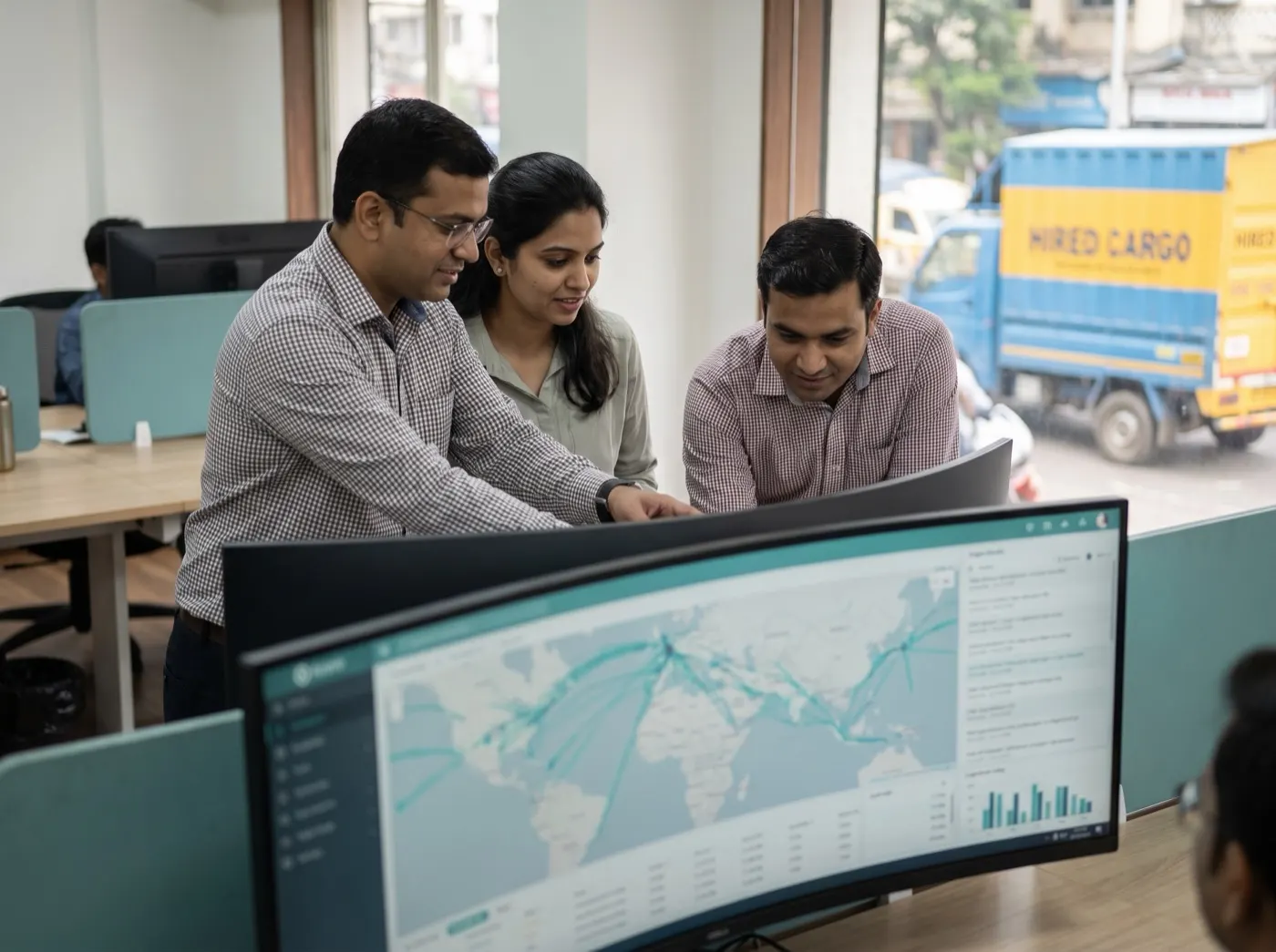
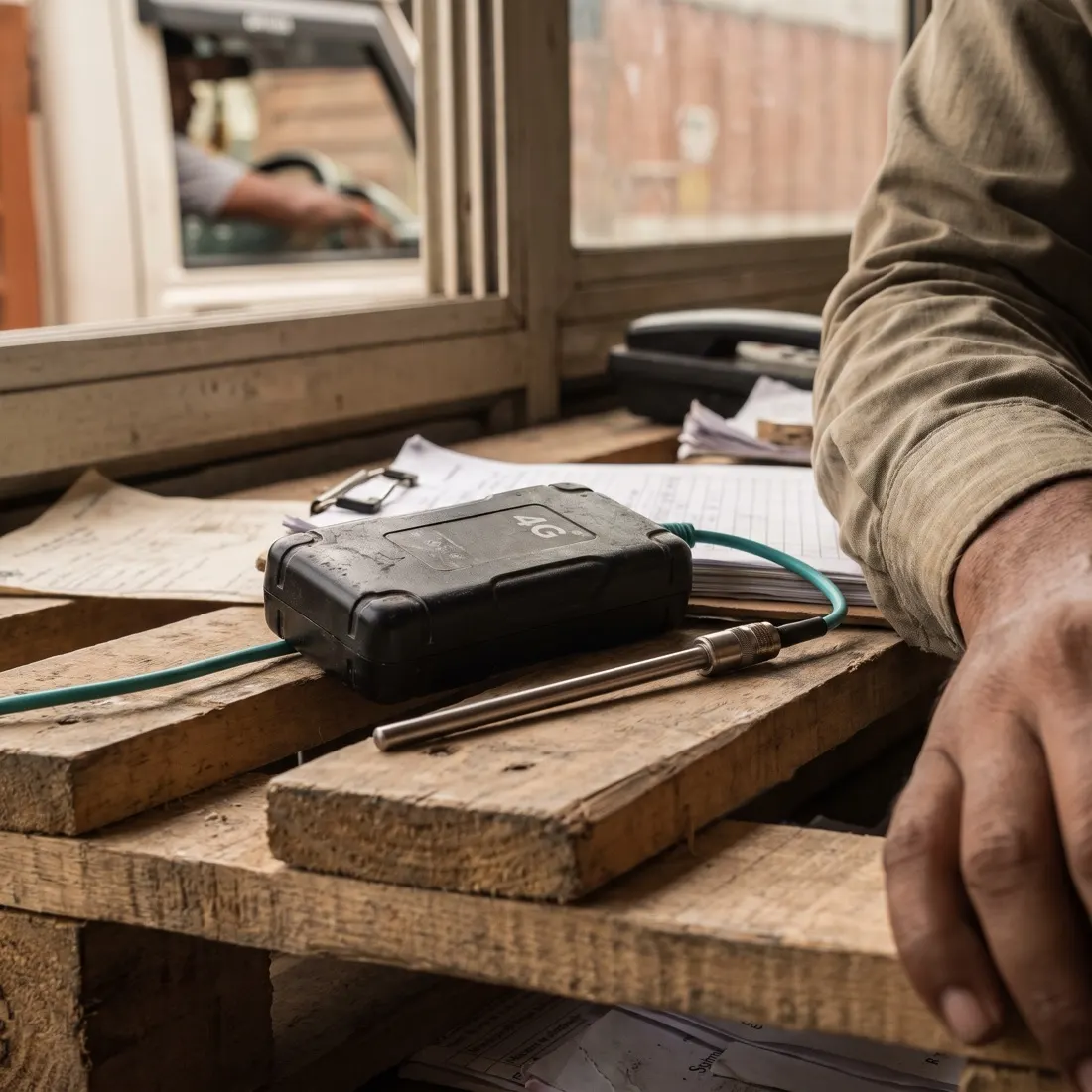
Photographs are illustrative — real customer sites are not shown.
01The screens
Trips, trip creation, the movement report, the device inventory and the customer’s tracking link.
Every trip with its pings, remaining km, ETA and temperature — excursions surface first.
Product screens with illustrative data — every name, place and figure is a placeholder.
02Before and after
Most freight moves on trucks you do not own, so their GPS is not yours to see. A portable device fixes that for one trip at a time.
| Area | Today | With Portable GPS Tracker |
|---|---|---|
| Visibility | Calls to the driver | A live position every few minutes |
| Customer | “Where is my shipment?” | A tracking link with ETA, no login |
| Cold chain | A logger read after delivery | Temperature and humidity live, excursions alerted |
| Devices | Lost after a few trips | Inventory by branch, collection at arrival |
| No device? | No tracking at all | Consent-based SIM location as a fallback |
03One trip, start to finish
The device belongs to the trip, not the truck — so the same unit tracks a different carrier tomorrow.
Inventory
A charged device on premises is assigned at the gate.
40 seconds
Vehicle, carrier, LRs, invoices, route and driver from masters.
Customer
A live tracking page goes out — no app, no login.
4G pings
Position, battery, temperature and humidity every few minutes.
ETA
Remaining km against the speed this truck actually makes.
Exceptions
Excursions, long halts and silent devices flagged to the desk.
Arrival
The trip closes at the destination; the movement report is ready.
Recollection
The device is collected, charged and back in inventory — or disposed of.
04The platform
Works with your own telematics feeds too: fixed GPS, carrier platforms and SIM tracking land on the same trip.
05How we deliver
Devices, masters and the desk set up together — usually in weeks, not months.
FAQQuestions we get about Portable GPS Tracker
Portable GPS Tracker is a 4G device goes in the cab at the gate, the trip is created in forty seconds and the customer gets a live link. Short, factual answers for buyers, procurement and the assistants people ask first.
In short. Portable GPS Tracker is a 4G device goes in the cab at the gate, the trip is created in forty seconds and the customer gets a live link. It is built for shippers that hire most of their fleet, and cold-chain managers. It exists to remove the problems those teams describe in almost every first conversation: hired trucks invisible after the gate — status by phone call; and temperature read from a logger after the customer rejects the load. With Portable GPS Tracker, teams get live position, remaining km and ETA on every trip, and temperature and humidity bands with excursion alerts and a movement report. It connects to 4G LTE / 2G devices, Temperature & humidity, Customer tracking links and SIM & telematics feeds, is used by Dispatch desk · branches · customers, and runs on web + tracking link. Like every Autowhat AI product, Portable GPS Tracker goes live on one site, lane or process first, usually within weeks, on managed cloud, in your own VPC or on-premises, and shares one operational record with the other products, so the second deployment reuses the data and integrations of the first.
Shippers that hire most of their fleet, and cold-chain managers. A 4G device goes in the cab at the gate, the trip is created in forty seconds and the customer gets a live link.
hired trucks invisible after the gate — status by phone call; temperature read from a logger after the customer rejects the load; trackers that leave on a truck and never come back.
live position, remaining km and ETA on every trip; temperature and humidity bands with excursion alerts and a movement report; device inventory by branch and recollection at arrival; SIM tracking as fallback.
It connects to 4G LTE / 2G devices, Temperature & humidity, Customer tracking links, SIM & telematics feeds. Users: Dispatch desk · branches · customers. Channel: Web + tracking link.
With a 30-minute working session on your own data — an engineer from the relevant sector, not a sales queue. The first wave is scoped in that call; most products go live on one site, lane or process within weeks and then scale.
On managed cloud, in your own VPC (AWS, Azure or GCP) or on-premises, with your keys. SOC 2 Type II and ISO 27001 controls, India data residency when required, and local or open-weight models when policy demands it. The data stays yours.
06Pilot
A working session: your lane, your carriers and a pilot plan — devices included.