

01Memorising chapters
A journey built on real cases, at each student’s pace.
- Syllabus-aligned, frozen once set; the path adapts
- Examples from businesses students recognise
Understanding that lasts

InsightTeach-Back · AI commerce learning portal
For colleges, universities and training institutes in commerce and finance. Each student gets a syllabus-aligned journey built from their profile and language; lessons use real cases — a café’s GST, a shop’s day book, a bank statement — and a Socratic assistant asks until the student can explain it in their own words.
WhySound familiar?
From principals, heads of department and faculty in commerce and finance. Composite quotes from discovery calls — the problems are real; the names are left out.

“Students memorise the chapter and forget it after the exam.”
Recall is tested, not understanding; real cases rarely appear in class.
Head of departmentKnowledge that does not last
“AI tools just do the homework for them.”
Generic chatbots hand over answers, so assignments stop measuring anything.
FacultyAssignments that measure nothing
“Sixty students, sixty different gaps, one lecture.”
Faculty cannot see who is stuck on what until the marks come in.
PrincipalGaps found too late
HowWhat changes with Teach-Back
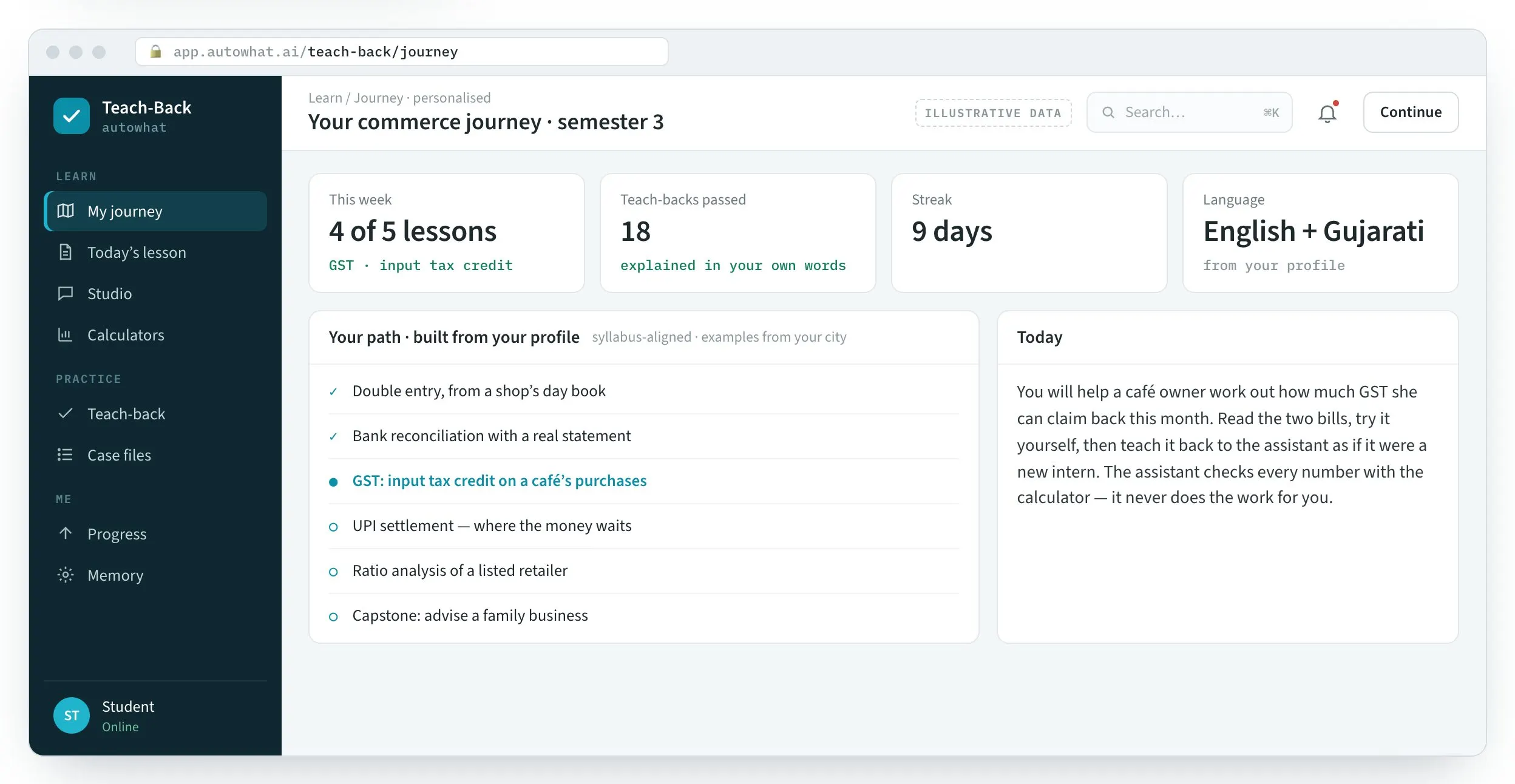
Product screens with illustrative data. In a briefing we build one journey from your syllabus.
01Memorising chapters
Understanding that lasts
02AI that does the work
Assignments that mean something

03Gaps found at results
Gaps closed before the exam

FieldTeach-Back in the field
The workplace it runs in, the person who uses it on a phone, the team at the desk and the detail it reads.
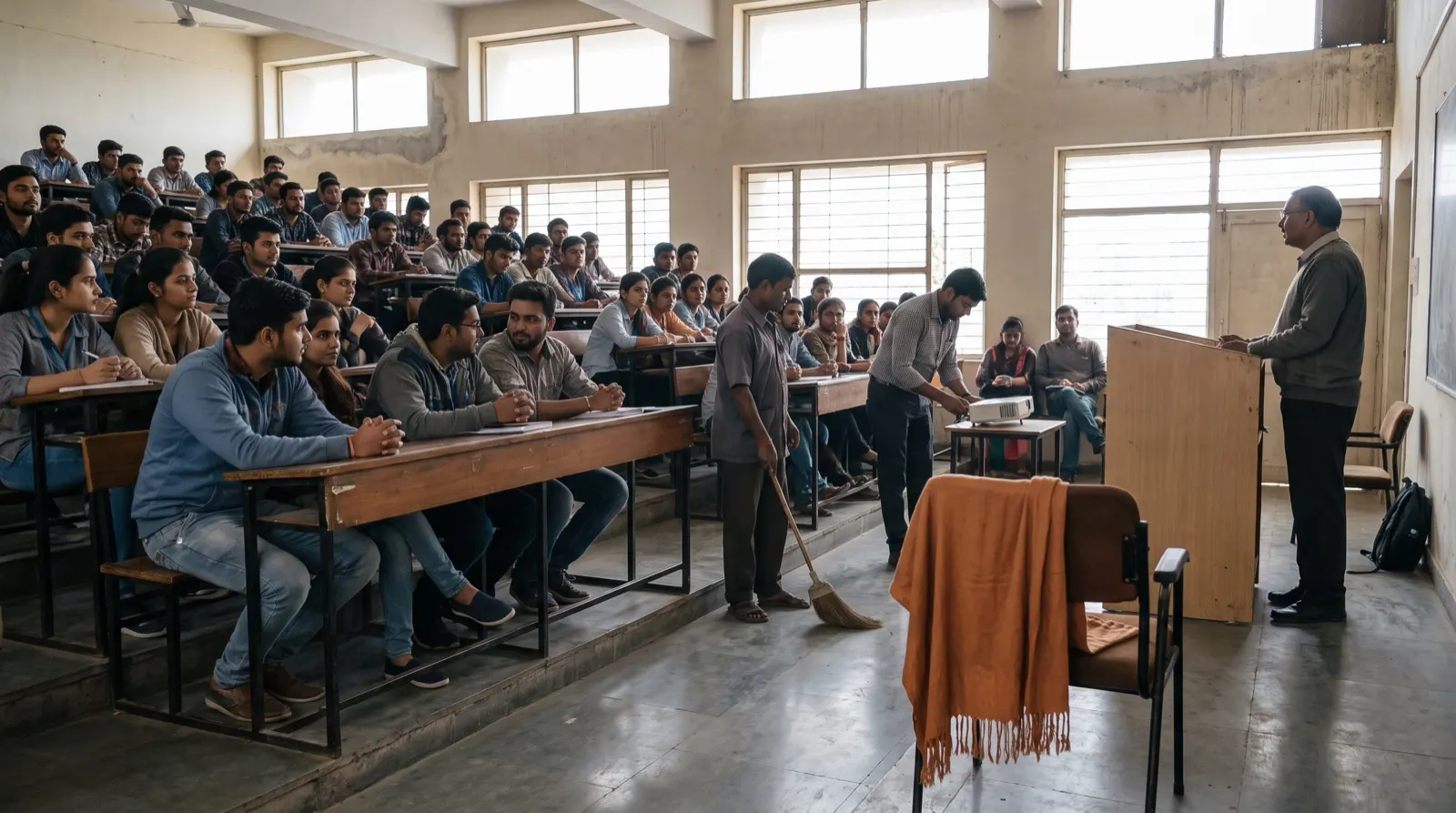
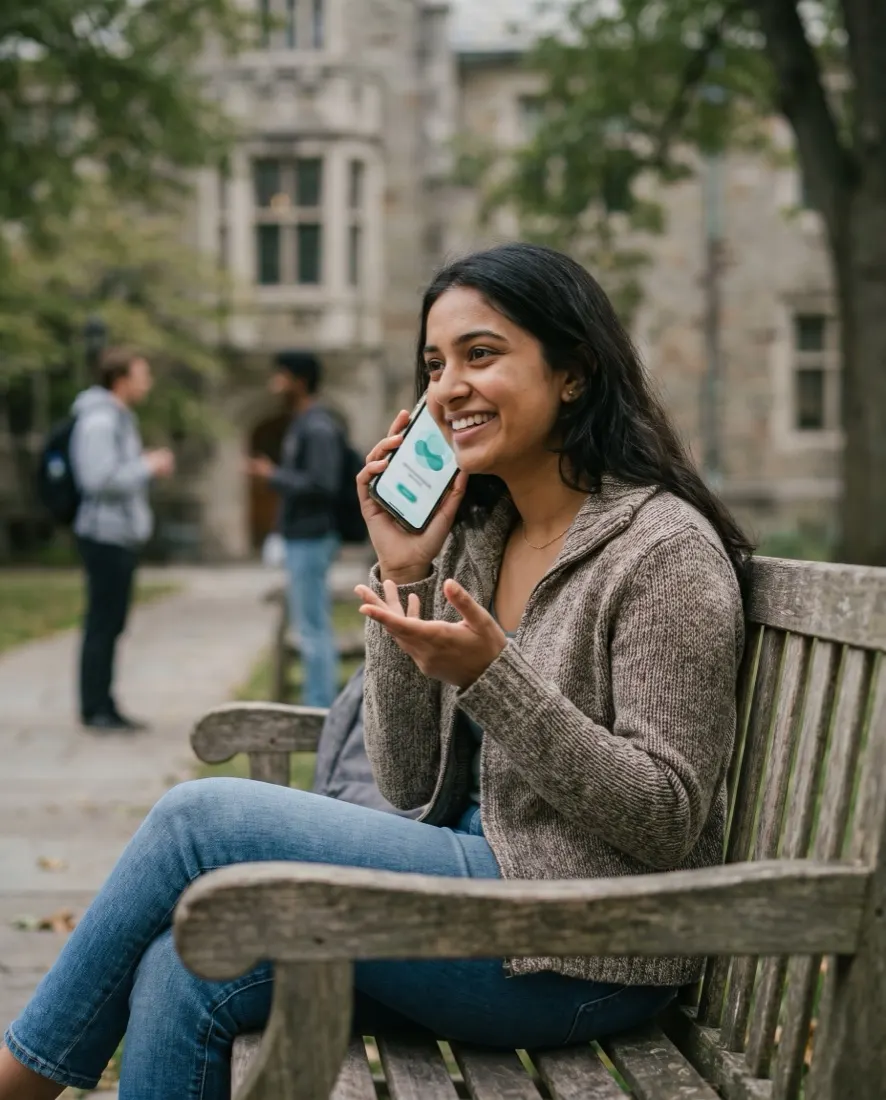

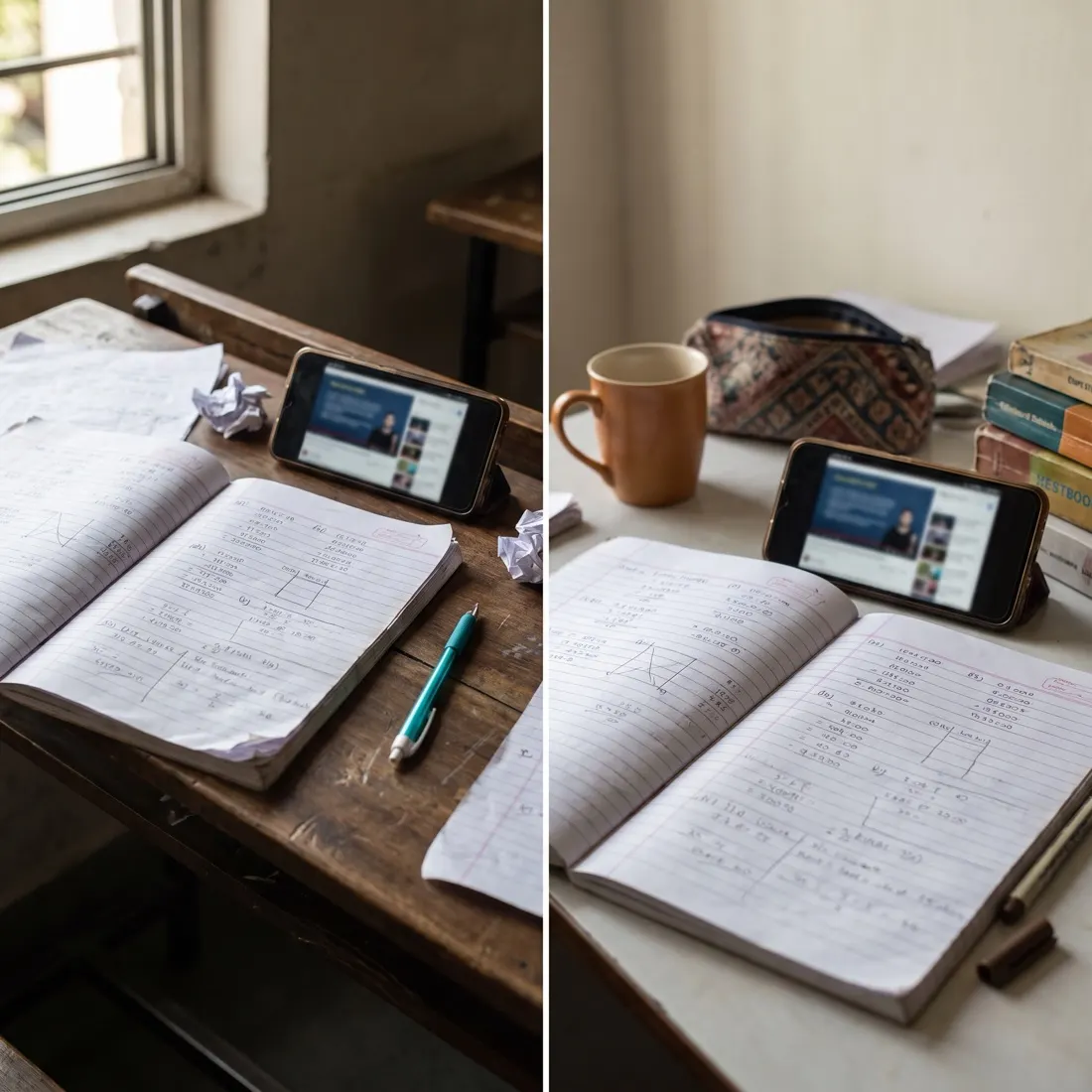
Photographs are illustrative — real customer sites are not shown.
01The screens
The journey, the teach-back studio and revision on the phone.
A personalised path through the syllabus, with today’s lesson built on a real case.
Product screens with illustrative data — every name, place and figure is a placeholder.
02Before and after
Commerce is taught from textbooks and tested by recall; students rarely practise explaining a real case.
| Area | Today | With Teach-Back |
|---|---|---|
| Syllabus | Same pace for everyone | A journey built from each profile |
| Examples | Textbook abstractions | A café, a shop, a bank statement — from their city |
| AI | Does the homework | Asks until the student can explain it |
| Numbers | Guessed or copied | Every number from a tool |
| Progress | Marks only | Teach-backs passed, gaps remembered |
03Profile to mastery
The assistant is a sparring partner, never a substitute: it coaches graded work and never does it.
Onboarding
Course, semester, language and goals captured in minutes.
Aligned
A syllabus-aligned plan generated and frozen.
Personal
A path through it at the student’s pace, regenerated without changing the syllabus.
Real cases
Each topic taught on a real business case.
Practice
The student works it out with calculators and rate tables.
Socratic
The student explains; the assistant asks until the reasoning holds.
Memory
Gaps remembered and scheduled for revision — visible to the student.
Phone
Short revisions before tests, in the student’s language.
04The platform
A portal for students and a view for faculty on the same platform.
05How we deliver
Built around your syllabus and your faculty.
FAQQuestions we get about Teach-Back
Teach-Back is a personalised AI learning portal for commerce students. Short, factual answers for buyers, procurement and the assistants people ask first.
In short. Teach-Back is a personalised AI learning portal for commerce students. It is built for principals, heads of department and faculty in commerce and finance. It exists to remove the problems those teams describe in almost every first conversation: chapters memorised and forgotten after the exam; AI tools that simply do the homework; and every student's gaps invisible until results. With Teach-Back, teams get a journey on real cases at each student's pace, teach-back coaching with every number from a visible tool, and gaps remembered and revised before tests. It connects to DeepSeek / open models, Syllabus mapping, Calculators & rate tables and Faculty view, is used by Students · faculty, and runs on web + mobile. Like every Autowhat AI product, Teach-Back goes live on one site, lane or process first, usually within weeks, on managed cloud, in your own VPC or on-premises, and shares one operational record with the other products, so the second deployment reuses the data and integrations of the first.
Principals, heads of department and faculty in commerce and finance. A personalised AI learning portal for commerce students.
chapters memorised and forgotten after the exam; aI tools that simply do the homework; every student's gaps invisible until results.
a journey on real cases at each student's pace; teach-back coaching with every number from a visible tool; gaps remembered and revised before tests.
It connects to DeepSeek / open models, Syllabus mapping, Calculators & rate tables, Faculty view. Users: Students · faculty. Channel: Web + mobile.
With a 30-minute working session on your own data — an engineer from the relevant sector, not a sales queue. The first wave is scoped in that call; most products go live on one site, lane or process within weeks and then scale.
On managed cloud, in your own VPC (AWS, Azure or GCP) or on-premises, with your keys. SOC 2 Type II and ISO 27001 controls, India data residency when required, and local or open-weight models when policy demands it. The data stays yours.
06Briefing
A working session with your faculty: one paper, one real case, one teach-back rubric.