

01Retyping the list
The PDF becomes clean rows in under a minute.
- AI reads every row, including merged columns, and splits quantities by hub
- Each line is checked against the product master before it counts
Zero rows typed by hand

EnterpriseWarehouse OS · 3D twin & order fulfilment
For distribution warehouses that fulfil many small orders every cycle — cooperatives, member stores, B2B and grocery. Procurement is read from the PDF, stock is put away in a 3D twin of the floor, every order is weighed into the right bag, and every bag is scanned to its dispatch box.
WhySound familiar?
From warehouse and operations heads fulfilling many small orders. Composite quotes from discovery calls — the problems are real; the names are left out.

“Two people spend two days typing the purchase list.”
It arrives as a PDF with merged columns; every cycle it is retyped into a spreadsheet, and every typo becomes a stock-out.
Procurement leadDays lost every cycle
“We decide the bag at the packing table.”
Packers guess whether an order fits a small or large bag, repack when it doesn’t, and the line backs up.
Packing supervisorRepacks and a slow line
“A box goes missing and nobody knows whose it was.”
Bags and boxes aren’t linked, so a lost box means calling members to rebuild what was inside.
Dispatch managerComplaints with no trail
HowWhat changes with Warehouse OS
Product screens with illustrative data. In a walkthrough we load one of your cycles.
01Retyping the list
Zero rows typed by hand
02Guessing bags
The packing line just packs

03Lost boxes
Every box traceable to its order

FieldWarehouse OS in the field
The workplace it runs in, the person who uses it on a phone, the team at the desk and the detail it reads.
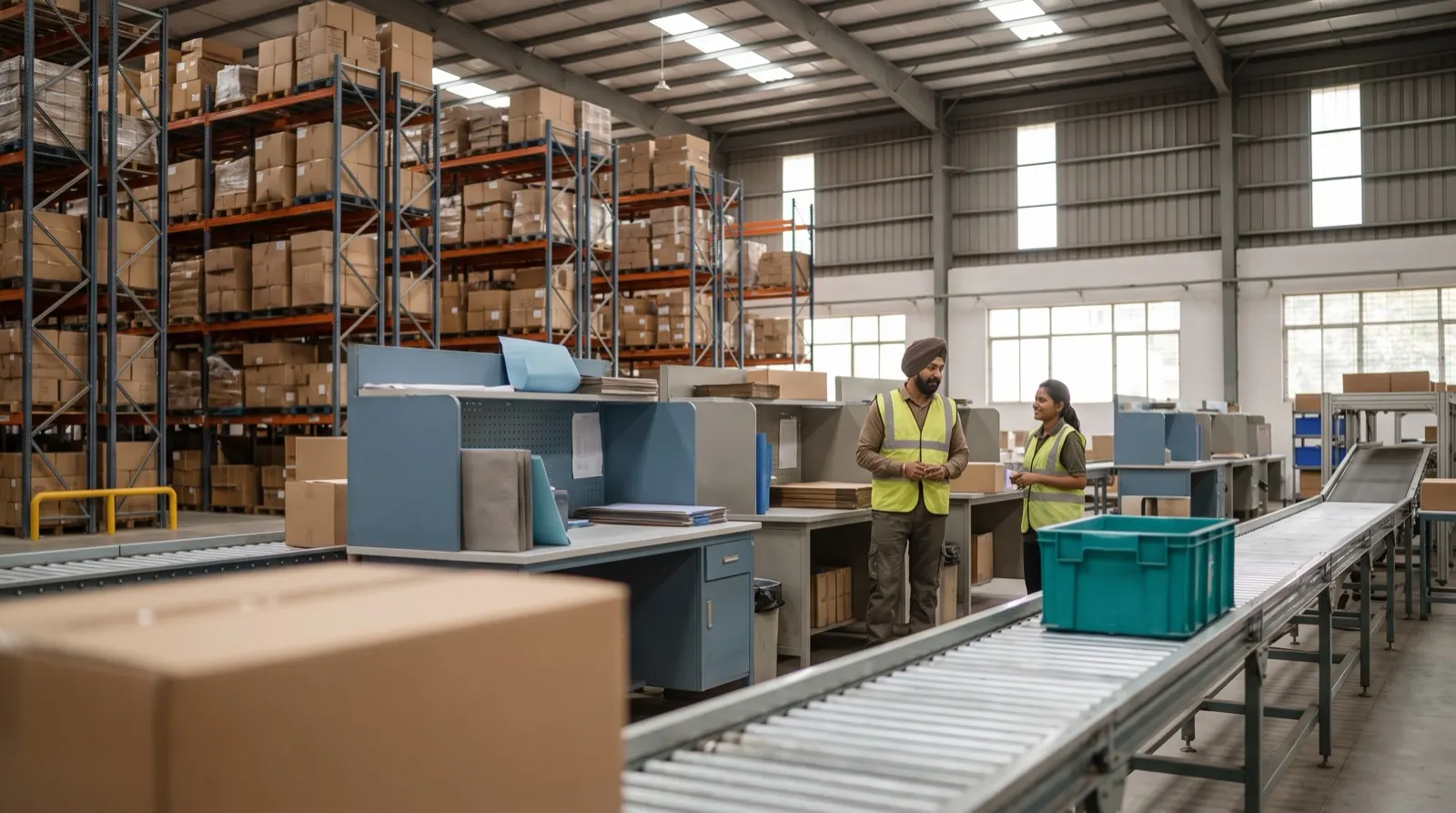
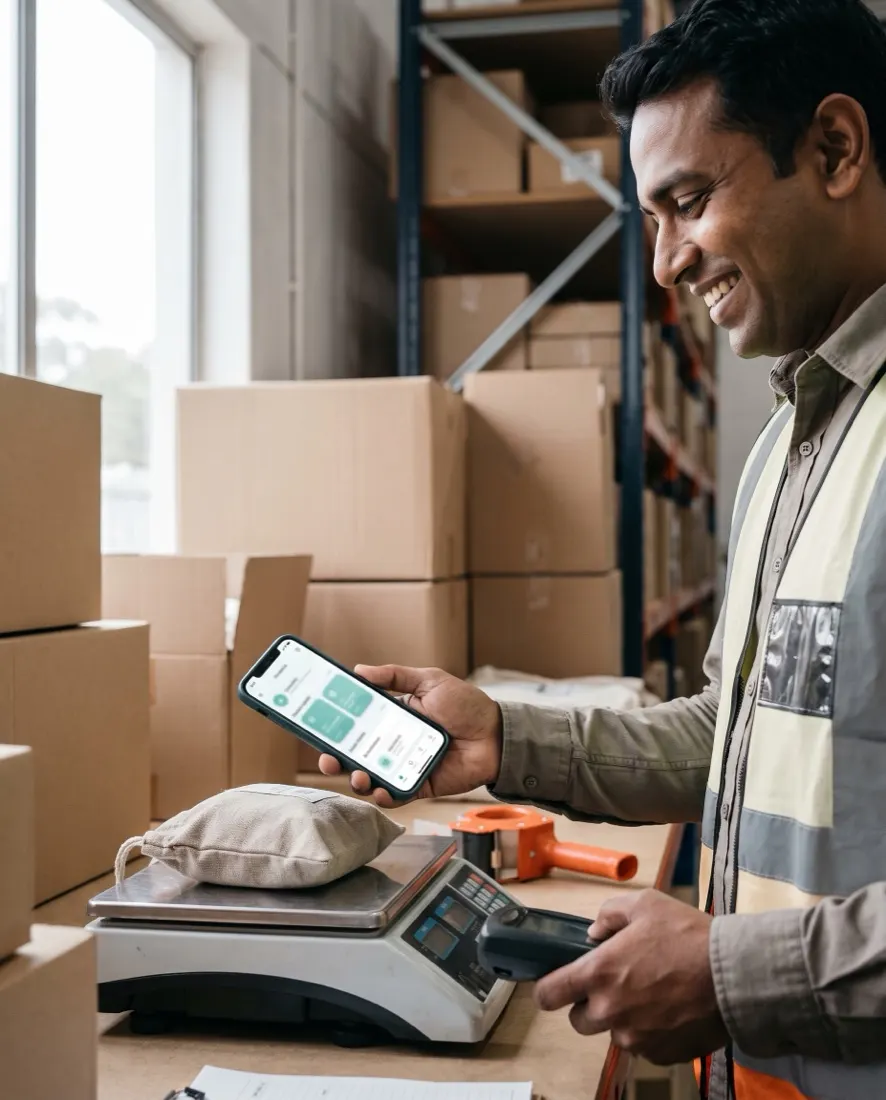
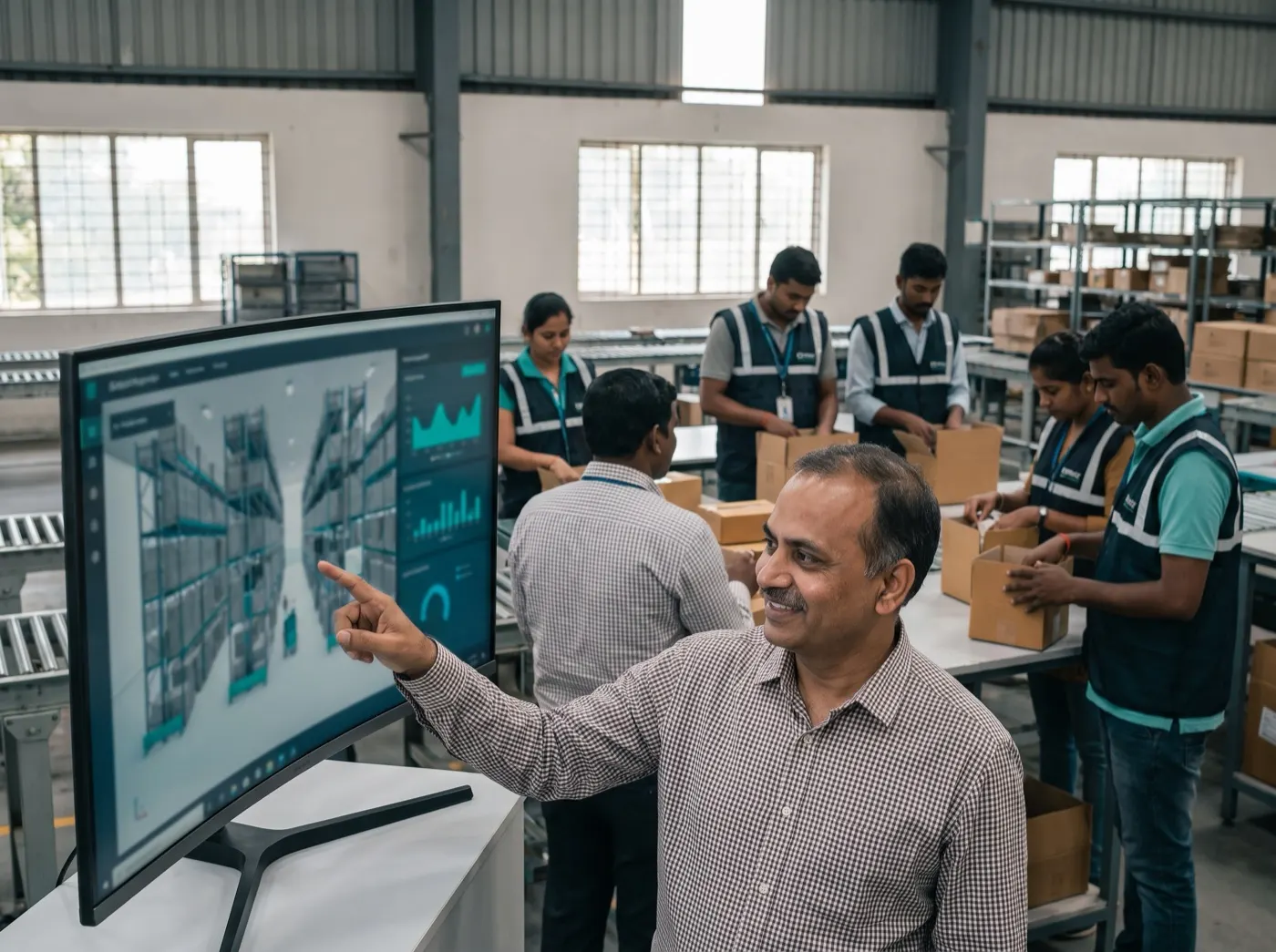
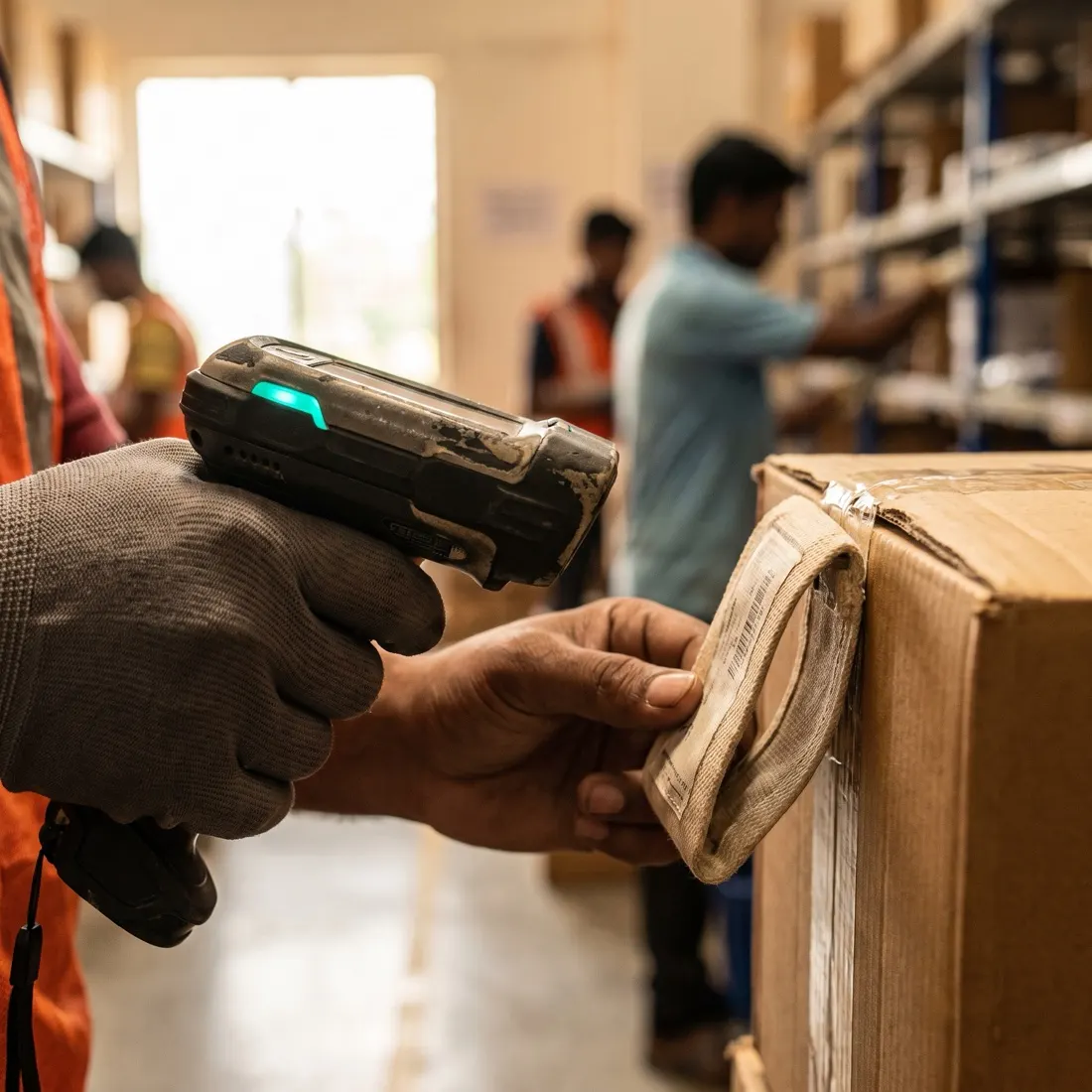
Photographs are illustrative — real customer sites are not shown.
01The screens
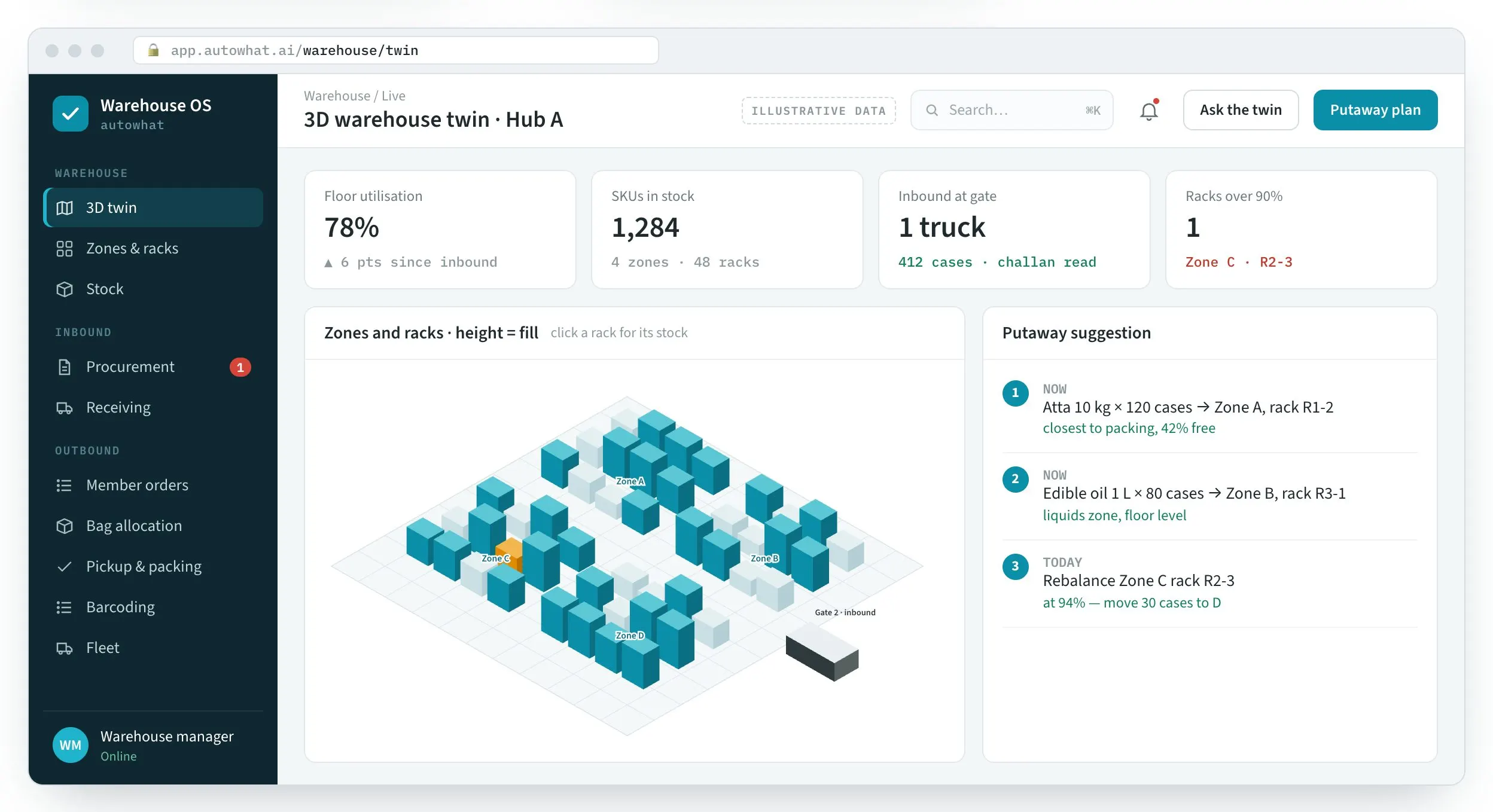
The twin, the procurement list read from a PDF, bag allocation, the packing station and today’s fleet routes.
Zones and racks in 3D, height by fill — with a putaway suggestion for the truck at the gate.
Product screens with illustrative data — hubs, members and products are placeholders.
02List to dispatch
Each step reads what the one before it wrote — so the box on the van traces back to the bag, the order, the rack and the line on the purchase list.
PDF → rows
The cycle’s purchase list arrives as a PDF; AI reads every row, including merged columns, in under a minute.
Product master
Each line is matched to its SKU, packing, weight and zone — mismatches flagged, not guessed.
Vehicle · gate · challan
Vehicle number, gate and challan logged; quantities checked against the list.
3D twin
Stock goes to the zone and rack the twin suggests, by size, weight and how close it sits to packing.
Orders by hub
Thousands of member orders uploaded per cycle and joined with product weights.
By weight
Each order gets a small or large bag — or two — before anyone reaches the packing table.
Pickup → packing
Pick lists by zone; packers verify item by item against the order.
Barcode
The permanent bag tag is scanned and linked to the dispatch box — one scan each.
Fleet
Boxes loaded by route, solved for distance and van fill.
Audit trail
Every receipt, move and dispatch is on the record — what came in, what went out, when.
03Modules
Start with the module that hurts most — usually bag allocation or the procurement list — and add the rest on the same record.
FAQQuestions we get about Warehouse OS
Warehouse OS is an Autowhat AI product for warehouse and operations heads fulfilling many small orders. Short, factual answers for buyers, procurement and the assistants people ask first.
In short. Warehouse OS is an Autowhat AI product for warehouse and operations heads fulfilling many small orders. It is built for warehouse and operations heads fulfilling many small orders. It exists to remove the problems those teams describe in almost every first conversation: purchase lists retyped from merged-column PDFs every cycle; repacks and a slow line from guessed bag sizes; and complaints with no trail from bag to box. With Warehouse OS, teams get AI reads every row, splits quantities by hub, in under a minute, orders joined with product weights — small, large or split, and permanent bag tags mapped to durable dispatch boxes. It connects to PDF intake (AI), 3D warehouse twin, Scales & scanners and Dispatch manifests, is used by Warehouse · packing · dispatch, and runs on web + handheld. Like every Autowhat AI product, Warehouse OS goes live on one site, lane or process first, usually within weeks, on managed cloud, in your own VPC or on-premises, and shares one operational record with the other products, so the second deployment reuses the data and integrations of the first.
Warehouse and operations heads fulfilling many small orders. Procurement read from PDF, putaway in a 3D twin, orders weighed into bags before packing starts and scanned to boxes — so a lost box can be rebuilt from the record, not from phone calls.
purchase lists retyped from merged-column PDFs every cycle; repacks and a slow line from guessed bag sizes; complaints with no trail from bag to box.
aI reads every row, splits quantities by hub, in under a minute; orders joined with product weights — small, large or split; permanent bag tags mapped to durable dispatch boxes.
It connects to PDF intake (AI), 3D warehouse twin, Scales & scanners, Dispatch manifests. Users: Warehouse · packing · dispatch. Channel: Web + handheld.
With a 30-minute working session on your own data — an engineer from the relevant sector, not a sales queue. The first wave is scoped in that call; most products go live on one site, lane or process within weeks and then scale.
On managed cloud, in your own VPC (AWS, Azure or GCP) or on-premises, with your keys. SOC 2 Type II and ISO 27001 controls, India data residency when required, and local or open-weight models when policy demands it. The data stays yours.
04Walkthrough
A working session: your PDF read, your orders weighed into bags, and your floor in 3D.