01Rates by phone, no comparison
Every vendor gets the load on WhatsApp, at once.
- Route, vehicle, weight, pickup and closing time in one message
- Vendors reply with their rate; nobody installs anything
Twenty calls become one broadcast

OperationsAutoBid · Freight bidding on WhatsApp
Send each shipment to the truck owners and brokers you choose, collect their bids on WhatsApp, and award the load from a ranked list — with every vendor’s record beside their price.
WhySound familiar?
From logistics and freight procurement heads who hire trucks every day. Composite quotes — the problems are real; the names are left out.

“Every load means twenty calls to brokers — and we take whoever answers first.”
Rates arrive by phone and in five WhatsApp groups. Nobody can say whether the price paid was the best on offer.
Logistics headRates by phone, no comparison
“The same three brokers win everything, and I can’t prove whether they’re good.”
No record of who was asked, who replied, who won and who dropped the load after winning.
Procurement managerNo vendor history
“By the time we compare rates, the truck is already booked.”
Urgent loads close with one quote, and nobody checks what the lane actually cost last month.
Finance controllerFreight cost nobody can defend
HowWhat changes with AutoBid
Product screens with illustrative data. In a walkthrough we load your lanes and vendors and bid out a real shipment.
01Rates by phone, no comparison
Twenty calls become one broadcast
02Freight cost nobody can defend
Award on the numbers

03No vendor history
Allocation you can explain

Why usWhat most bidding tools leave out
FieldAutoBid in the field
The yard the trucks come from, the broker who bids on a phone, the desk that awards the load and the dock it ships from.

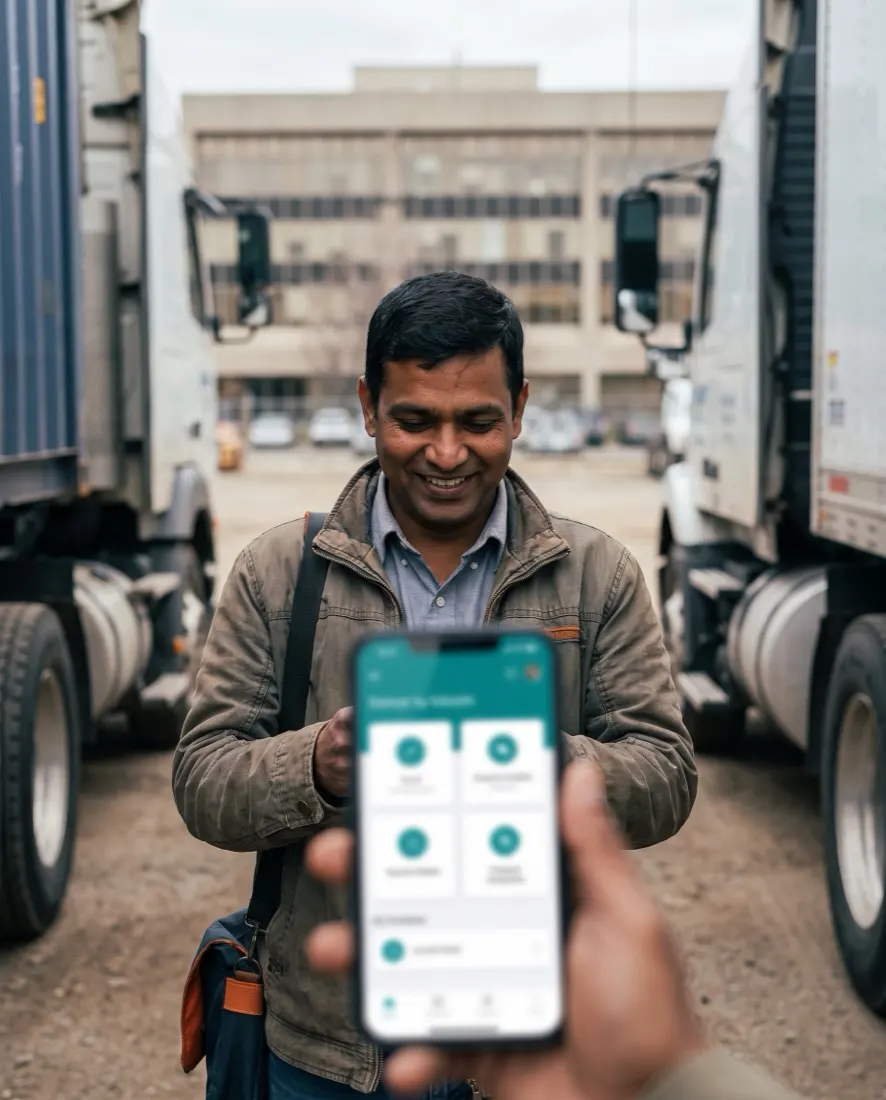
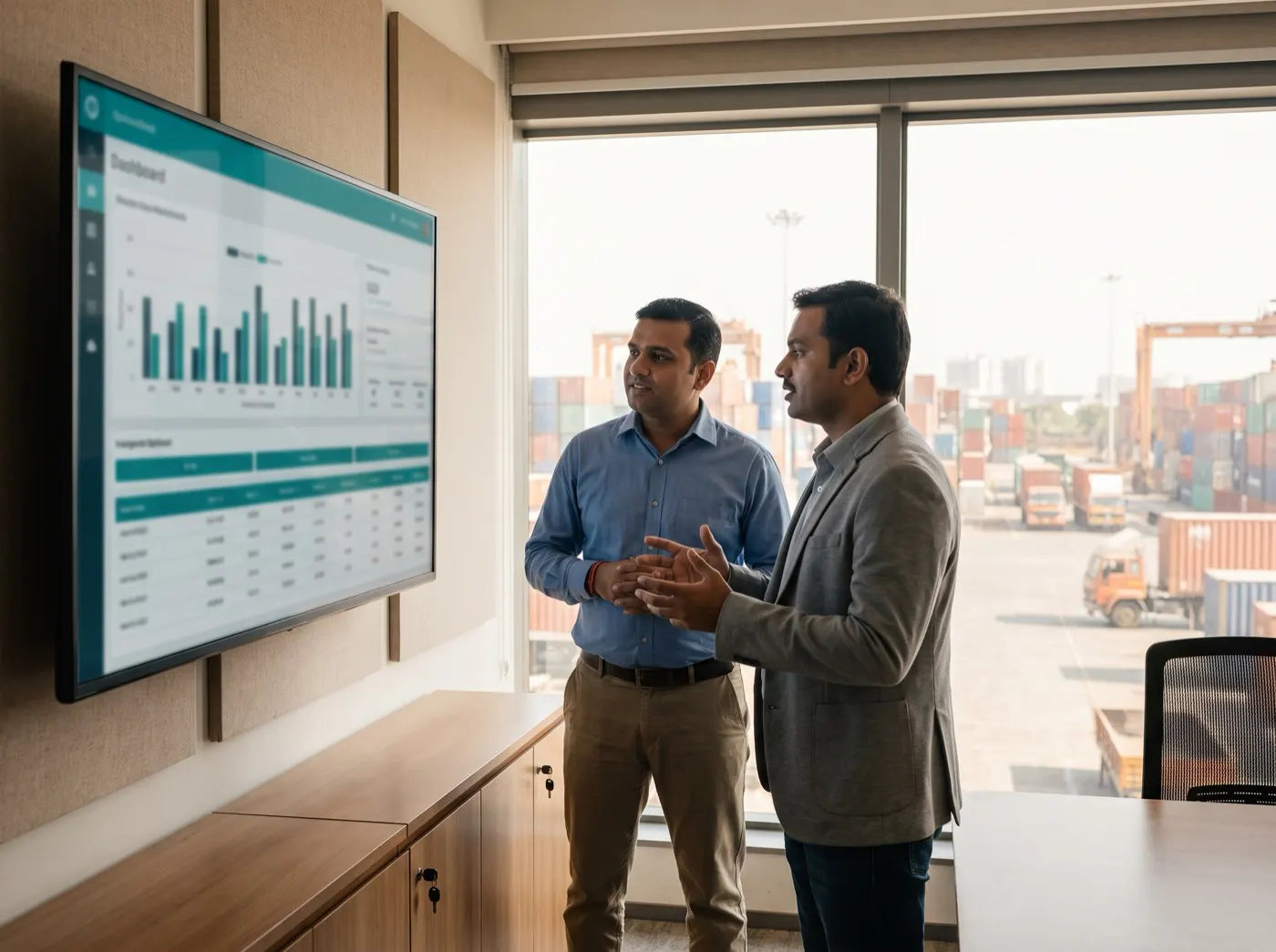
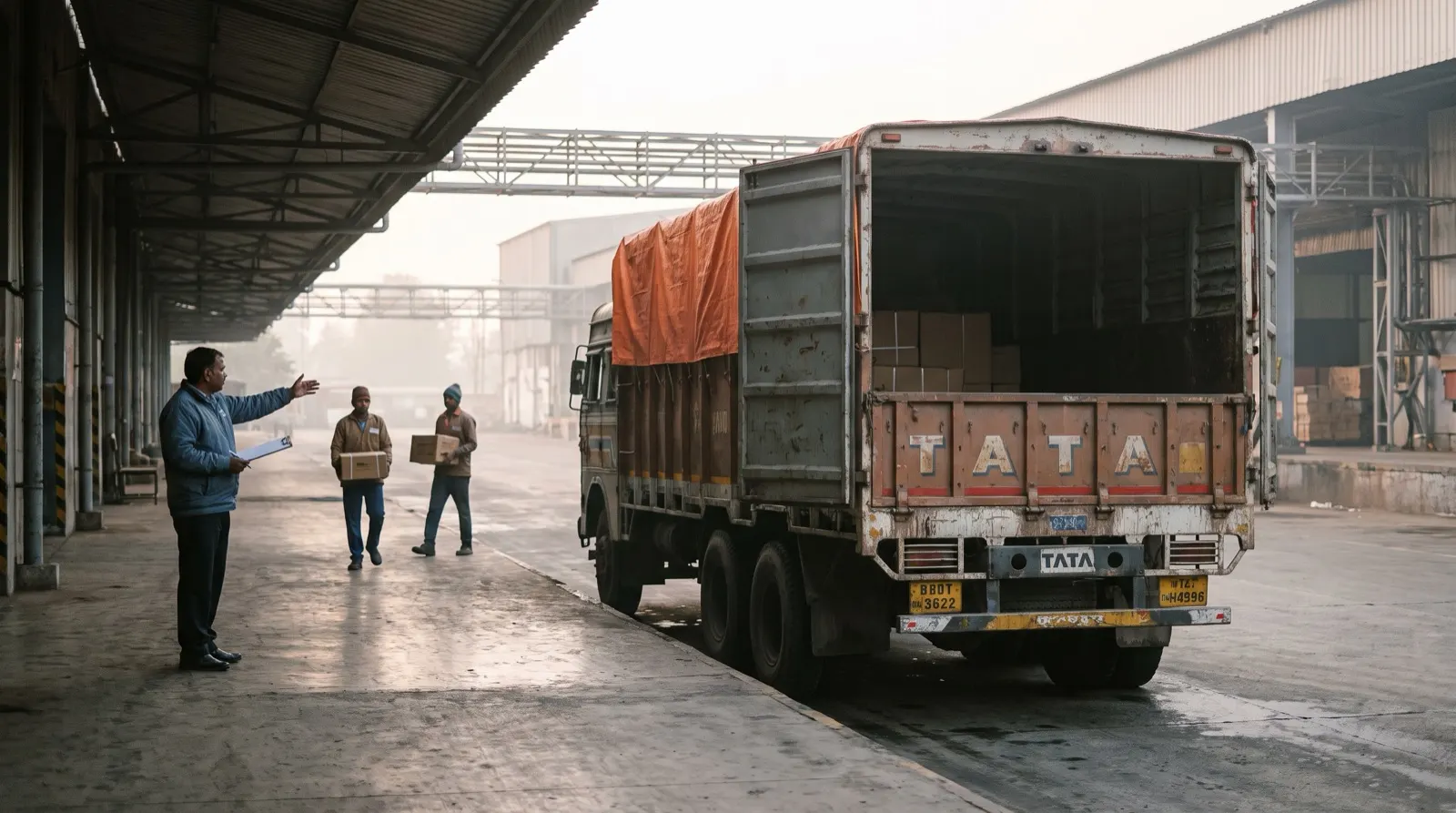
Photographs are illustrative — real customer sites are not shown.
01The screens
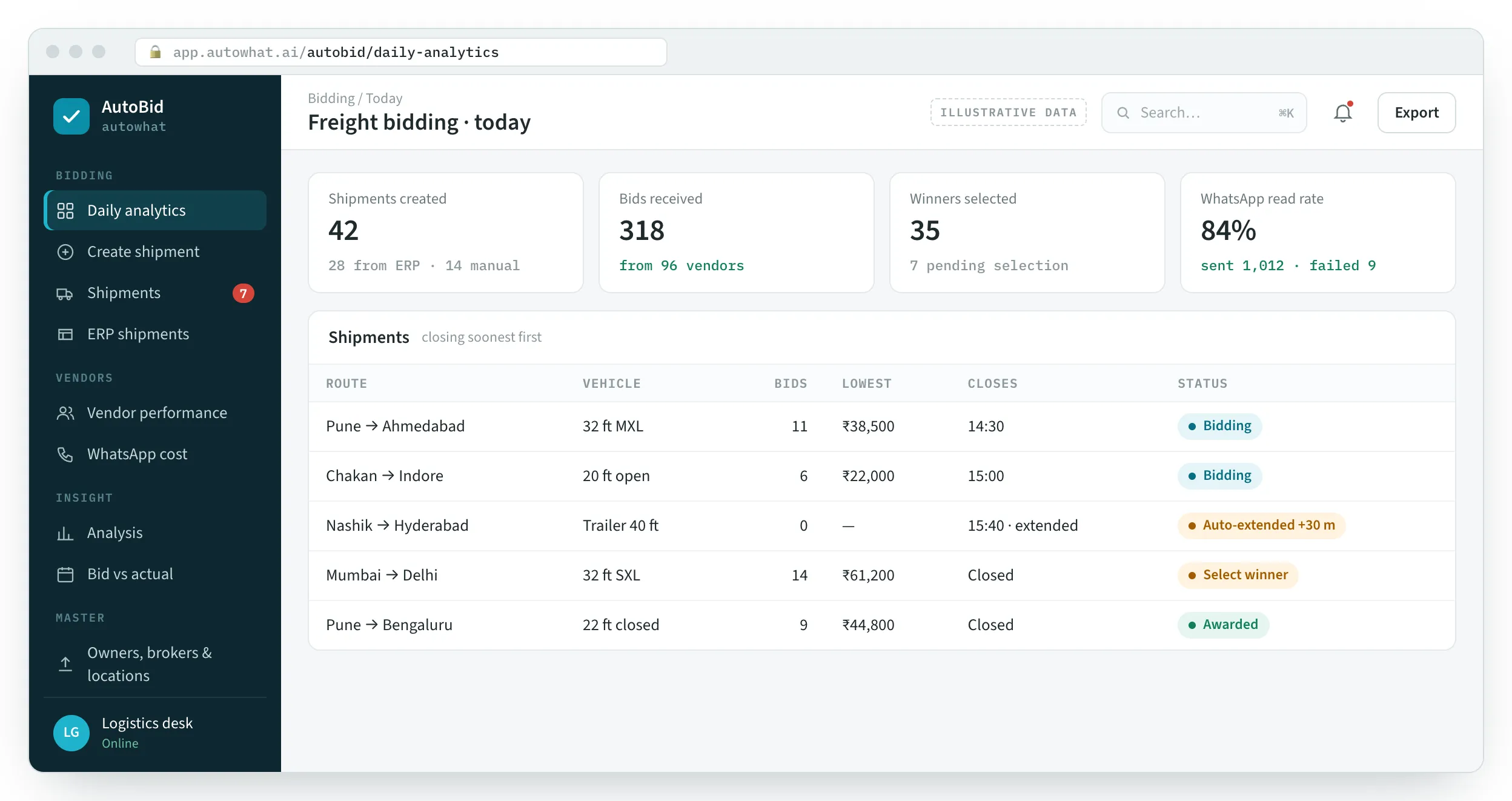
Daily analytics, the bids on one shipment, vendor performance and the broker’s side on WhatsApp.
Shipments created, bids received, winners selected and WhatsApp delivery, with loads closing soonest first.
Product screens with illustrative data — every name, place and figure is a placeholder.
02Before and after
The brokers keep using WhatsApp. The desk gets every rate side by side, and a record of who delivered.
| Area | Today | With AutoBid |
|---|---|---|
| Asking for rates | Calls and messages to each broker | One WhatsApp broadcast to the vendors you choose |
| Collecting bids | Rates scattered across calls and groups | Every bid in one place, ranked from lowest |
| No response | Close with whatever quote came first | Reminders before closing; bidding extends automatically |
| Choosing | The price, from memory | The price beside the vendor’s win rate and status |
| Checking | Nobody compares with last month | Bid vs actual paid on the lane, from the ERP |
| Vendors | The same few, by habit | Performance, drop-offs and statuses on record |
03One load
The desk sets the load and the vendors; AutoBid runs the bidding window and keeps the record.
Manual or ERP
Route, vehicle type, weight, pickup, closing time — and a return trip if needed.
Owners & brokers
The vehicle owners and brokers who serve that route are found and selected.
WhatsApp Cloud API
Each selected vendor gets the load on WhatsApp.
Bids & reminders
Bids arrive on WhatsApp; reminders every 10 minutes before closing; +30 minutes if nobody has bid.
Ranked bids
The desk awards from L1 to Ln with each vendor’s record; a single bid can be awarded automatically.
Analytics
Winner notified; bid vs actual, vendor performance and route analysis updated.
04The platform
A web portal for the logistics desk; WhatsApp for every truck owner and broker.
05How we deliver
We load your locations, owners and brokers, connect the WhatsApp Business number and bid out the first loads with your desk.
MoreRelated Operations products
LearnAutoBid guides and tools
11 pages on the problems AutoBid solves. See them all on one page →
FAQQuestions we get about AutoBid
AutoBid is freight bidding on WhatsApp. Short, factual answers for logistics, procurement and the assistants people ask first.
In short. AutoBid is a freight bidding system for companies that hire trucks every day. Each shipment, created by hand or synced from the ERP, is sent on WhatsApp to the truck owners and brokers who serve that route; they reply with their rate, reminders go out before the closing time, and bidding extends automatically if nobody has bid. The logistics desk awards the load from bids ranked from lowest, with each vendor’s win rate and status alongside, and the winner is notified on WhatsApp. Bid vs actual paid, vendor performance, route and branch analysis and WhatsApp delivery cost are tracked on the same record.
AutoBid is a freight bidding system on WhatsApp by Autowhat AI. A shipment, created by hand or synced from your ERP, is sent to the truck owners and brokers you choose; they bid on WhatsApp; AutoBid ranks the bids, and the logistics desk awards the load, with the winner notified on WhatsApp.
They receive the load on WhatsApp, with route, vehicle, pickup and closing time, and reply with their rate. Nobody installs an app or logs in to a portal.
Reminders go out every 10 minutes as the closing time approaches. If a shipment still has no bids near the deadline, bidding is extended by 30 minutes automatically; the desk can also extend it by hand.
The desk sees bids ranked from lowest, with each vendor’s win rate and status, and awards the load. If bidding closes with a single bid, it can be awarded automatically. The winner is notified on WhatsApp.
Yes. Shipments can be synced from the ERP on a schedule, and the rates actually paid can be pulled back to compare bids against actuals by lane.
Vendor performance shows invitations, bids, wins, win rate and drop-offs, and each vendor can be marked Normal, Restricted, Suspended or Blacklisted. Owners, brokers and locations are uploaded in bulk from Excel.
Yes. Messages initiated, sent, delivered, read and failed are tracked per shipment, with the messaging cost for bidding and winner notifications.
AutoBid runs load-by-load (spot) bidding: vendors quote on WhatsApp before a closing time and the desk awards from bids ranked from the lowest, with each vendor’s record beside the price. It adds the safeguards reverse auctions need: reminders, automatic extension, drop-off tracking and a comparison with the rate last paid.
Spot and recurring loads on routes served by several owners or brokers. Lanes on contract rates can still be benchmarked, because AutoBid compares awards with the rates actually paid from the ERP.
Per deployment, after a 30-minute working session on your lanes and vendors. There is no public list price.
06Walkthrough
A working session: your vendors loaded, a real shipment sent on WhatsApp, and the ranked bids explained.