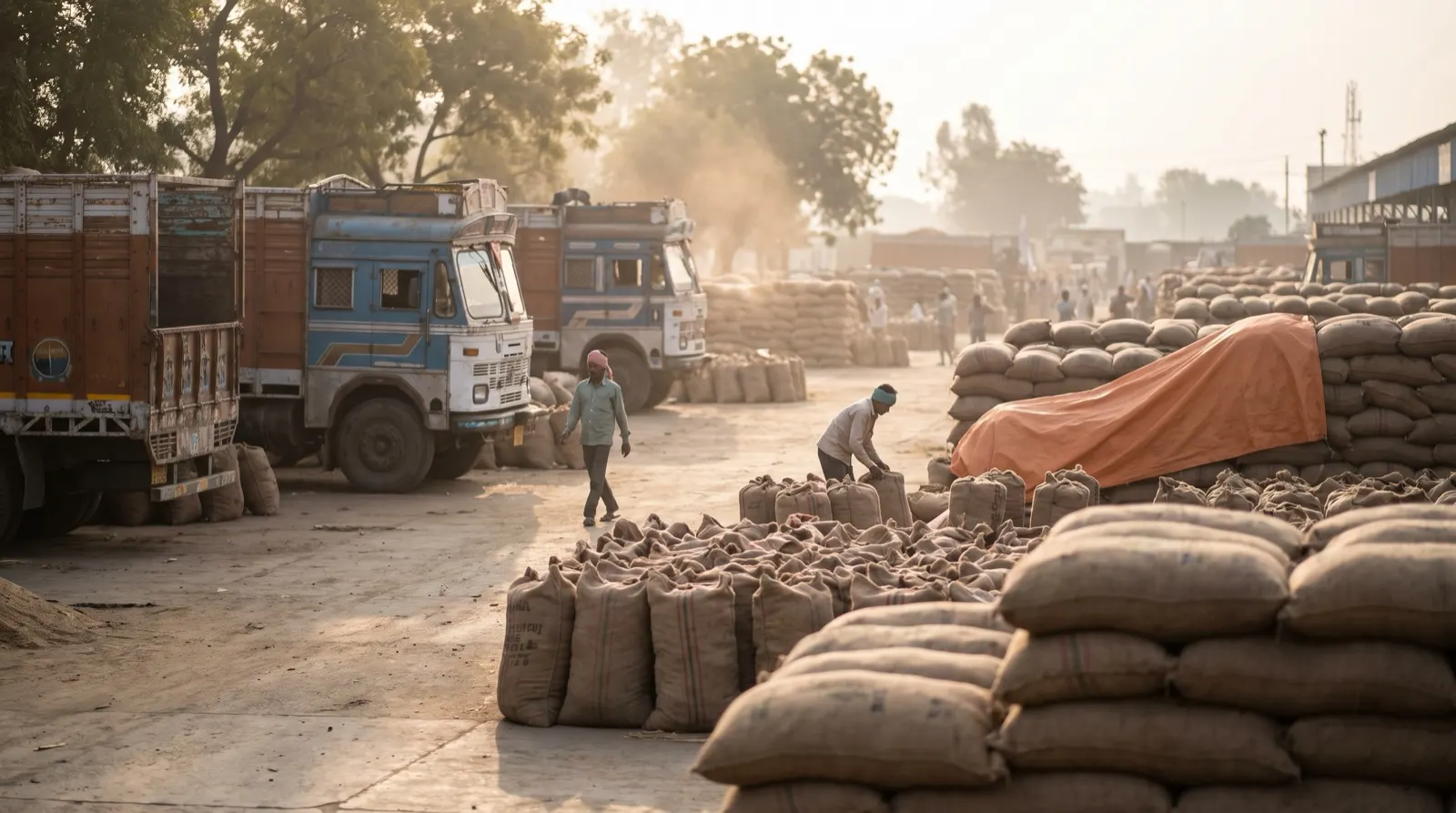
How to photograph a wheat sample so it can be graded: six checks before the shutter.
Most wrong answers from a photo are decided before the photo is taken. A tilted phone, a heap or bad light makes a good sample look bad, or a bad one look good.
Image-based grading counts and measures every visible grain, so the photo must show every grain clearly, at a known scale, from directly above.
Six checks before the photo
Top-down only: hold the phone level over the sample. An angled photo makes near grains look larger than far ones.
One layer: spread the grain so none sit on another. A heap only shows its top layer.
A scale in frame: a printed marker card or a known coin lets sizes be given in millimetres.
Sharp: hold still and let the camera focus; blur merges grains.
Even light: avoid harsh shadows and glare; daylight in shade works well.
Plain background: a matte mat in a colour that contrasts with wheat, so grain stands out from the tray.
Common mistakes
Mistake
What it does to the result
Phone tilted
Sizes wrong across the photo
Grains heaped
Count too low; hidden defects missed
No scale
No millimetre sizes or weight basis
Shiny tray
Reflections confused with grain
Too few grains
Percentages swing with each grain
Why a good app refuses some photos
If the photo cannot give a trustworthy answer, the right response is to ask for another one, with the reason, not to produce a number anyway. A refused photo costs seconds; a wrong grade costs a dispute.
How GrainGrade does it
GrainGrade turns one phone photo of a wheat sample into a grain count, sizes in millimetres, defect percentages and the FCI FAQ grade, with a range on every number instead of a bare decimal. The camera coaches the shot first (level, a scale marker in frame, focus and light) and refuses a bad photo with a reason in Hindi or English rather than analysing it into a wrong answer. Seven defect classes are checked, grading rules are data so a mill’s or exporter’s own spec can sit beside FCI FAQ, and every sample is saved to its lot with a shareable PDF or WhatsApp report. GrainGrade is in development: counting is built and measured; the other figures on the product page are design targets. Moisture is not visible to a camera and is entered from a meter reading.
Questions
How should I photograph wheat for grading?
From directly above with the phone level, grains spread in one layer on a plain matte background, a scale marker in frame, sharp focus and even light.
Why does the phone need to be level?
An angled photo makes nearer grains look larger than farther ones, so sizes and some defect calls go wrong.
Why put a coin or marker in the photo?
It gives the scale, so grain sizes can be reported in millimetres.