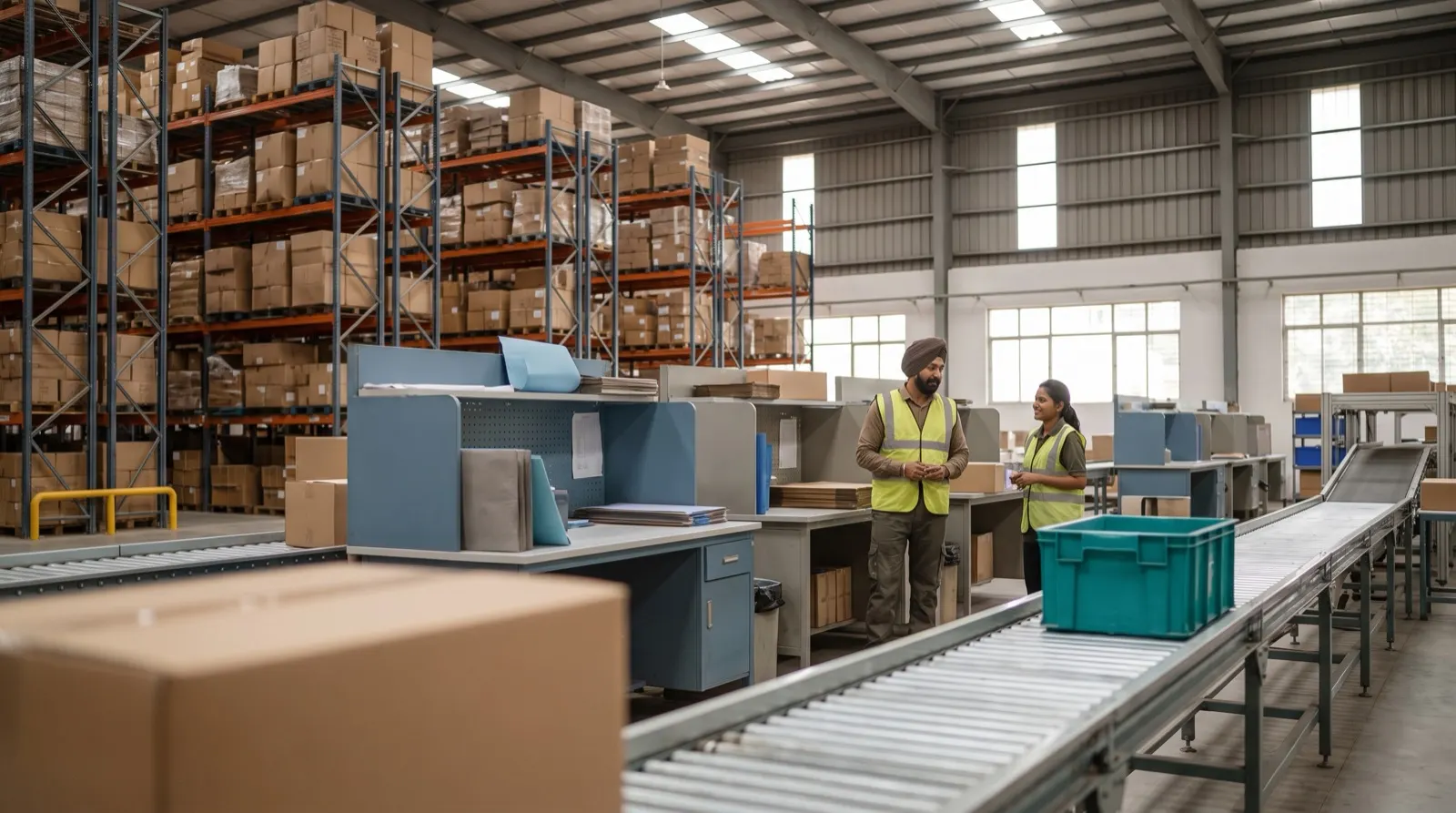
A 3D view of the warehouse is the screen everyone wants to see. The table that quietly decides whether it is right is the product master. We think that is where the work should start.
When people see a 3D twin of their warehouse for the first time, with zones and racks drawn to height by how full they are, the reaction is usually the same: this is what we need. We agree it is useful. But almost everything the twin shows, and almost every decision downstream of it, depends on a far less exciting table: the product master. If that table is wrong, the twin is a well-drawn picture of a mistake.
What the product master actually decides
In Warehouse OS, each line of the purchase list is matched to its SKU, packing, weight and zone before it counts. That one match feeds nearly every later step:
Step
What it needs from the master
Purchase list check
The SKU and packing, to match the PDF row
Putaway in the 3D twin
Size, weight and zone, to suggest a rack
Bag allocation
Product weight, to choose small, large or split
Pick lists
Zone, to group picks sensibly
Liquids and heavy items
The flags that trigger rules instead of memory
A wrong weight does not stay in one place. It sends an order into a bag that is too small, which means a repack at the line. A wrong zone sends a picker to the wrong end of the floor. A missing packing size means the purchase list row does not match at all.
A bakery supply example
Picture a warehouse that supplies a cooperative of small bakeries. The purchase list includes flour in 25 kg and 50 kg sacks, sugar in 1 kg and 5 kg packs, cooking oil in tins and bottles, and boxes of baking powder sachets. If the master has one entry called “flour” with no packing, the 25 kg and 50 kg sacks become the same item. Weight calculations are off by a factor of two, the bag allocation is wrong, and the twin shows a rack with space that is not really there. None of that is a twin problem. It is a master data problem that the twin faithfully displays.
Flag the mismatch, do not guess
The most important rule we build in is that mismatches are flagged, not guessed. When AI reads a purchase list PDF, including merged columns, and a row does not match the product master cleanly, Warehouse OS raises it rather than picking the closest name. Guessing feels faster in the moment; it is how a 25 kg sack ends up counted as a 50 kg one and nobody notices until stock runs out.
Flagging creates a small amount of work every cycle, and that work is the point. Each flag is either a new product that needs adding properly or an old entry that needs fixing. Over a few cycles the flags get fewer because the master gets better.
What a usable product master contains
One row per SKU and packing, never one row per product family.
A weight per unit that someone has actually checked, not copied from a catalogue.
A zone that matches where the item really lives on the floor.
Flags for liquids, heavy items and anything that needs its own bag rule.
A clear owner who approves new rows and changes.
Then the twin earns its place
Once the master is trustworthy, the twin becomes what it promises: a view of the floor where height by fill means something, where a putaway suggestion for the truck at the gate takes size, weight and distance from packing into account, and where every receipt, move and dispatch sits in the stock history. That is when the screen everyone wanted becomes the screen everyone can rely on.
Why does the product master matter so much in a warehouse?
Because putaway, bag allocation, pick lists and purchase list matching all read SKU, packing, weight and zone from it. One wrong value causes errors in several later steps.
What happens when a purchase list row does not match the master?
In Warehouse OS, mismatches are flagged, not guessed, so someone adds or fixes the product rather than the system picking the closest name.
Should we build the 3D twin or the product master first?
The master. The twin shows zones and racks by fill, and its suggestions are only as good as the size, weight and zone data underneath.