

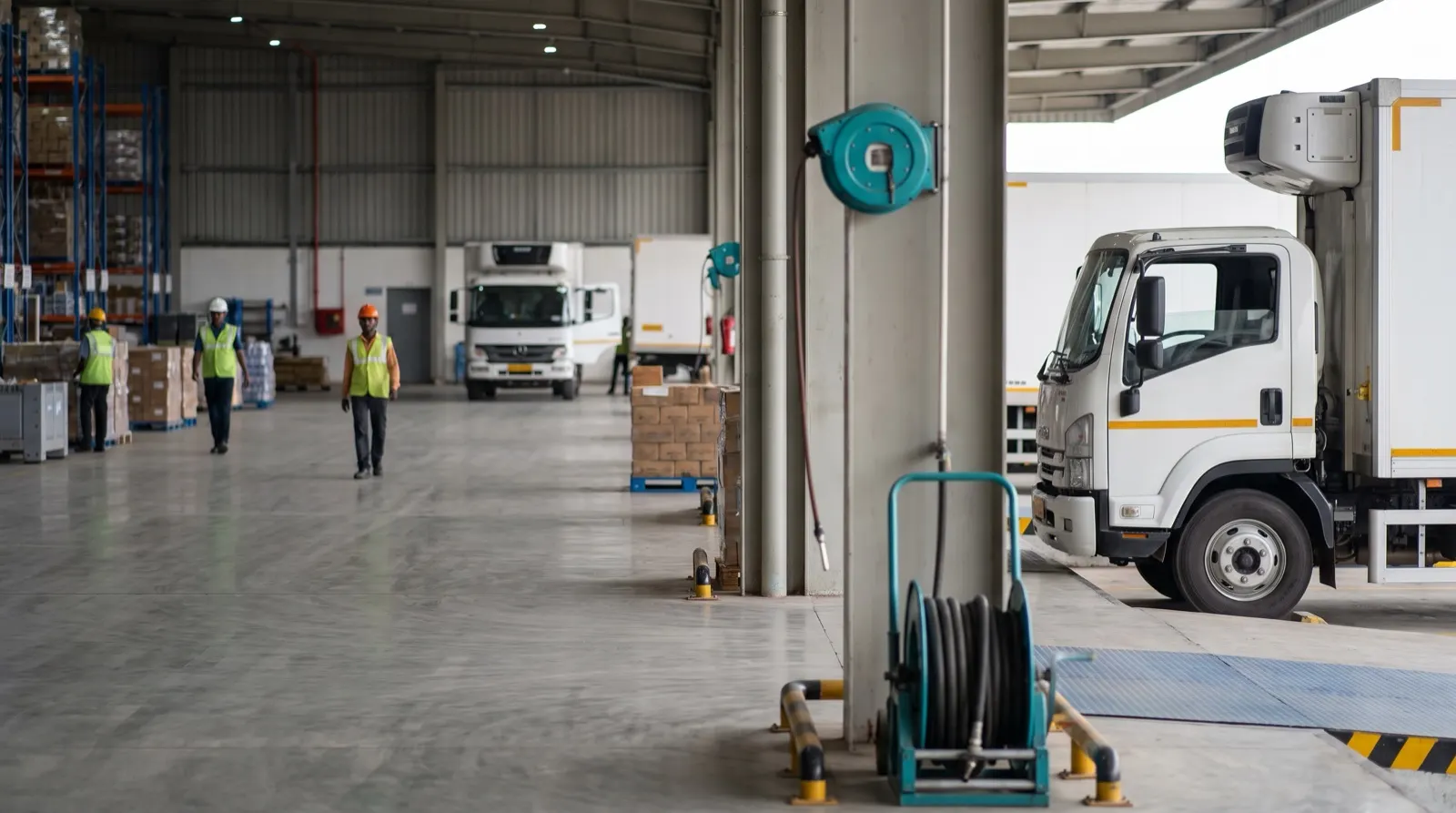
The new control room has a wall of twelve screens, installed over Diwali at real expense. There is a map of India with trucks on it, a pie chart of trips by carrier, a gauge for OTIF, a line chart of dispatch volume and a weather feed. Three weeks later, the shift lead still runs the morning from a WhatsApp group and a printed list. Nobody decided to ignore the wall. It simply never told anyone what to do.
An operations dashboard is well designed when each pane answers one decision for one named person, and a pane that triggers no action in a week should come off the wall.
A pane earns its place by the decision it triggers
Business dashboards are built to inform: here is revenue, here is the trend. Operations dashboards have a harder job. They must prompt an action within minutes, from someone standing five metres away with a phone in one hand.
So start every pane with two questions. Who acts on this? What do they do when it turns bad? A pie chart of trips by carrier answers neither. A list of the carriers whose trucks are running late to low-cover depots answers both: the transport desk, and a phone call.
A worked example: the attention budget
Here is an illustrative calculation, not a measured one. Say a shift lead glances at the wall about 20 times in an eight-hour shift, for about 5 seconds each time. That is 20 × 5 = 100 seconds of attention per shift for the whole wall.
| Wall layout | Panes | Seconds per pane per shift |
|---|---|---|
| Everything we could show | 12 | 100 ÷ 12 ≈ 8 |
| Panes that triggered an action last week | 4 | 100 ÷ 4 = 25 |
Eight seconds a shift is enough to notice a colour, not to read a chart. Twenty-five seconds is enough to read a ranked list of five exceptions and decide who to call. Cutting eight panes did not hide information. It gave the four that mattered three times the attention.
To find the four, keep a simple log for a week: each time someone acts because of the wall, note which pane prompted it. The panes with no entries are decoration, however good they look.
A wall has a fixed attention budget. Every pane you add takes seconds away from the one that would have prevented tomorrow’s stock-out.
Ranked lists beat maps for action
A map is the most requested pane and the least acted on. Two hundred dots tell you the network is busy. They do not tell you which truck matters. The pane that drives action is usually a ranked list: late trucks, temperature excursions, placement breaches and short-dated stock, sorted by consequence, each line showing the owner and the next step.
Sort order is the design decision. A list sorted by hours late puts a harmless delay above an urgent one. A list sorted by stock cover at the receiving depot puts the truck that will empty a shelf at the top. That is how the exception list in SCM for Manufacturers is built: each exception arrives with the cover at the RDC and the action that fixes it.
Every number needs its definition and its age
A big “93.8%” on a wall invites the question: of what, since when? If the room cannot answer, the number starts arguments rather than ending them. Put the KPI’s rule one click away, and use one definition across the company, the 3PL and carriers. Our logistics KPI dictionary shows what those rules look like written down.
Age matters as much. A pane fed by a carrier file that arrived yesterday should say so, visibly. A stale number shown in the same font as a live one is worse than a blank, because people act on it.
Charts should compare against a target, not just trend
- Show the line that matters. A trend of OTIF means little without the target line drawn on it.
- Reserve colour for breach. If everything is coloured, nothing stands out. Grey for normal, one strong colour for action.
- Never rely on colour alone. Add a glyph or a word, so the pane survives colour blindness, glare and a printout.
- Explain movement. A score that drops should show which component moved. Our carrier scorecard guide shows a score that explains itself pillar by pillar.
- Prefer bars and lists to gauges and pies. They compare more precisely in less space.
The wall and the desk need different designs
A wall is read from across the room, by several people, in seconds. It wants few panes, large type and only exceptions. A desk screen is read up close by one analyst who needs to drill into the bottleneck funnel, the congestion heatmap by shift or the delays by owner. Designing one layout for both gives you a wall too dense to read and a desk view too shallow to use.
The case for keeping the map
The strongest pushback is political, and it is fair. Leadership likes the map. Visitors understand it instantly, and it signals that the network is visible. A wall without a map can feel like a spreadsheet on a television.
Keep it, then, but demote it. One pane, not the centre, with exceptions drawn on it rather than every truck. The map earns its space as context for the ranked list beside it. It should not be the reason the wall exists.
What to do this week
- For each pane on your wall, write the name of the person who acts on it and the action.
- Keep a one-week log of every action prompted by the wall, and note the pane.
- Take down or move to the desk view every pane with no entries.
- Add a timestamp and a one-line definition to every number that stays.
A good wall looks a little boring to visitors and indispensable to the shift. More on control-room practice is in our SCM for Manufacturers guides.