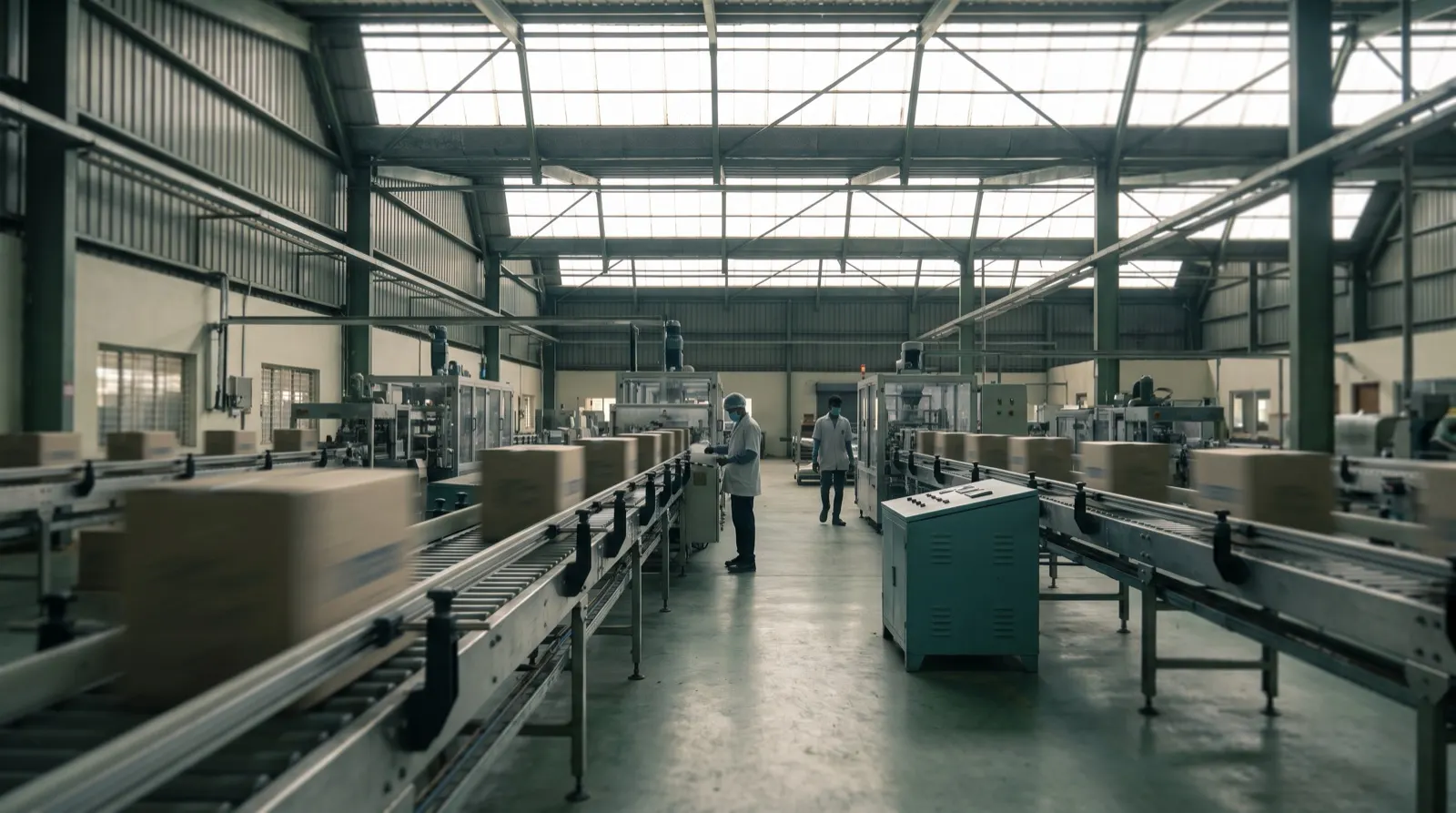
How a plant digital twin is created from the data you already have.
A useful plant twin starts with the site drawing, the weighbridge, the ERP and the registers your team already fills in. Sensors come last, and only where a missing reading costs money.
A plant digital twin is created in five steps: draw the site to scale, connect the systems you already run, model the material flow and norms with the plant team, send alerts to the people who act, and review each shift on a replay. None of those steps needs a new sensor. Most Indian plants already record enough in ERP or Tally, weighbridge slips, gate passes, lab registers, PLC counters and WhatsApp groups to drive a working twin.
We think the common mistake is to start with hardware. A sensor programme gives you more readings, but readings are not the problem in most plants. The problem is that the stock figure, the line status and the truck queue live in six places and nobody sees them together until something has already gone wrong.
What does a plant digital twin actually need?
A twin needs three things: a shape, a state and a set of rules. The shape is the site itself, with its buildings, silos, bins, lines, docks and roads. The state is what each of those holds or is doing right now. The rules say when a state matters and who should hear about it.
Engineering twins used for equipment design need dense sensor data and physics models. An operational twin, the kind a plant head opens at 8 am, needs far less. It needs to know that bin 4 is at 92 per cent, line 2 has stopped for a changeover, and three trucks have waited past the norm at the gate. Those facts already exist on paper, in software or in someone's phone.
Which existing data can feed the twin?
Each layer of the twin maps to a source most plants already have. The table below is the checklist we use in the first working session.
Twin layer
What it shows
Data you probably already have
Buildings and yards
Halls, sheds, godowns, extruded to height
Site drawing, satellite trace, GPS points taken on site
Silos, bins and tanks
Each one filled to its current level
Bin level registers, weighbridge slips, ERP stock
Machines and lines
Running, slow, stopped or idle, with the reason
PLC counters, shift logs, maintenance tickets
Material flow
What moves and what waits, intake to dispatch
Production entries, transfers, batch records
Trucks and yard
Trucks waiting, at docks and on internal roads
Gate passes, FASTag events, dock schedule, GPS
Quality
Holds and overdue checks on the right bin or line
Lab registers, LIMS, inspection sheets
Orders
Stock against today's dispatch commitments
Tally or ERP sales orders
Some of these arrive as a live feed and some arrive once a shift as a photographed register. Both are fine, provided the twin shows how old each reading is. A stale feed should look stale, not be quietly hidden.
How is a digital twin created, step by step?
Draw. Trace the site from a drawing or a satellite view and confirm it with GPS points taken on site. Every silo, bin, line and dock gets a stable name that matches the names your team already uses.
Connect. Link ERP or Tally, the weighbridge, gate passes, PLC counters, lab registers and the Excel sheets people keep. Where a reading is only on paper, a photo or a WhatsApp form is the first connector.
Model. Set capacities, flows and norms with the plant team: how much each bin holds, how fast each line runs, how long a truck should wait. Every rule records its source, so nobody argues about where a number came from.
Alert. Send each alert to the person who can act, with the next step and a one-tap reply. A pin on the exact building or bin shows where it is happening.
Review. Run shift and weekly reviews on the replay of the last 24 hours, and tune rules and layers from what was missed.
Once the state is flowing, the same model can look forward. Projecting bin levels, stock against orders and queue length over the next 72 hours turns the twin from a picture into a planning tool. That is where it meets production planning: the plan says what should happen, the twin shows what is happening, and the gap becomes visible during the shift instead of at month end.
What does this look like in a real flow?
Take an illustrative flour mill, not a customer. It has four flour bins of 60 tonnes each, two packers that each pack 4 tonnes an hour, and orders of 300 tonnes due for dispatch tomorrow.
At 2 pm the bin register shows 210 tonnes of flour across the four bins. The twin adds what the mill will produce before tomorrow's dispatch window. Say the mill makes 5 tonnes an hour for 16 more hours: 80 tonnes. That gives 290 tonnes available against 300 tonnes ordered, a 10 tonne gap.
The packers are the second check. Two packers at 4 tonnes an hour for 16 hours can pack 128 tonnes, which is fine for today's flow. So the shortage is in flour, not packing. The production head gets that alert at 2 pm, with the order that will be short, and can decide whether to extend a shift or split the dispatch. Every input in that sum came from a register or the ERP. No sensor was added.
The twin does not need to know more than your plant knows. It needs to put what your plant already knows in one place, in time.
When are new sensors worth adding?
Sensors earn their place when a missing or late reading costs real money. A bin that overflows twice a month and stops the mill is a good case for a level sensor. A cold room where a two-hour gap between manual readings could spoil a batch is another. A godown that is counted once a day and changes slowly is not.
We suggest a simple test. List the alerts the twin could not raise in the first month because a reading was missing or too late. Price each miss. Add sensors only for the misses that are expensive and frequent. That keeps the hardware budget tied to evidence instead of a vendor's bill of materials.
Is a twin built on registers accurate enough?
This is the strongest objection, and it deserves a straight answer. A register filled once a shift is less precise than a sensor reading every second. Some figures will be wrong because someone wrote 72 instead of 27.
Two things make it workable. First, the twin cross-checks sources: weighbridge in, production entries and dispatch out should reconcile, and a bin that cannot be both full and short gets flagged as a data problem. Second, people improve the data they see used. When the shift supervisor knows the 2 pm bin reading drives the dispatch alert, the reading gets taken carefully. Accuracy follows use, rather than preceding it.
Where should a plant start?
Start with one site and one question that costs money every week, such as "will we have stock for tomorrow's orders" or "why do trucks wait at the gate". Build only the layers that answer it. Our plant digital twin page shows how the same layers look for steel, ferro-alloys, flour, textiles, pharma, warehouses, FMCG and yards, and you can open each 3D model to see what it flags.
What to do this week
Pick one question the plant asks every day and gets answered late.
List every register, sheet and system that holds part of the answer.
Find the site drawing and mark the bins, lines and docks by the names your team uses.
Write down the norms: bin capacities, line speeds, truck wait limits.
Note which readings are on paper only; those are your first connectors.
The plant you have already produces the data. The work is joining it up.
Questions
How is a digital twin created?
In five steps: draw the site to scale, connect existing systems such as ERP, weighbridge, gate passes and lab registers, model flows and norms with the plant team, send alerts to the people who act, and review each shift on a replay.
Can you build a digital twin without IoT sensors?
Yes, for an operational plant twin. ERP or Tally, weighbridge slips, gate passes, PLC counters and lab registers are usually enough to start; sensors are added later only where a missing reading costs money.
What data is needed for a plant digital twin?
A site drawing or satellite trace, stock and bin levels, machine or line states, production entries, gate and weighbridge records, lab results and open orders.
How accurate is a digital twin built on manual registers?
Less precise than sensors reading every second, but usable when the twin cross-checks sources such as weighbridge, production and dispatch and shows how old each reading is.
How long does it take to build a plant digital twin?
The first site is scoped in a 30-minute working session on your own data, and most deployments go live on one site or process within weeks.