

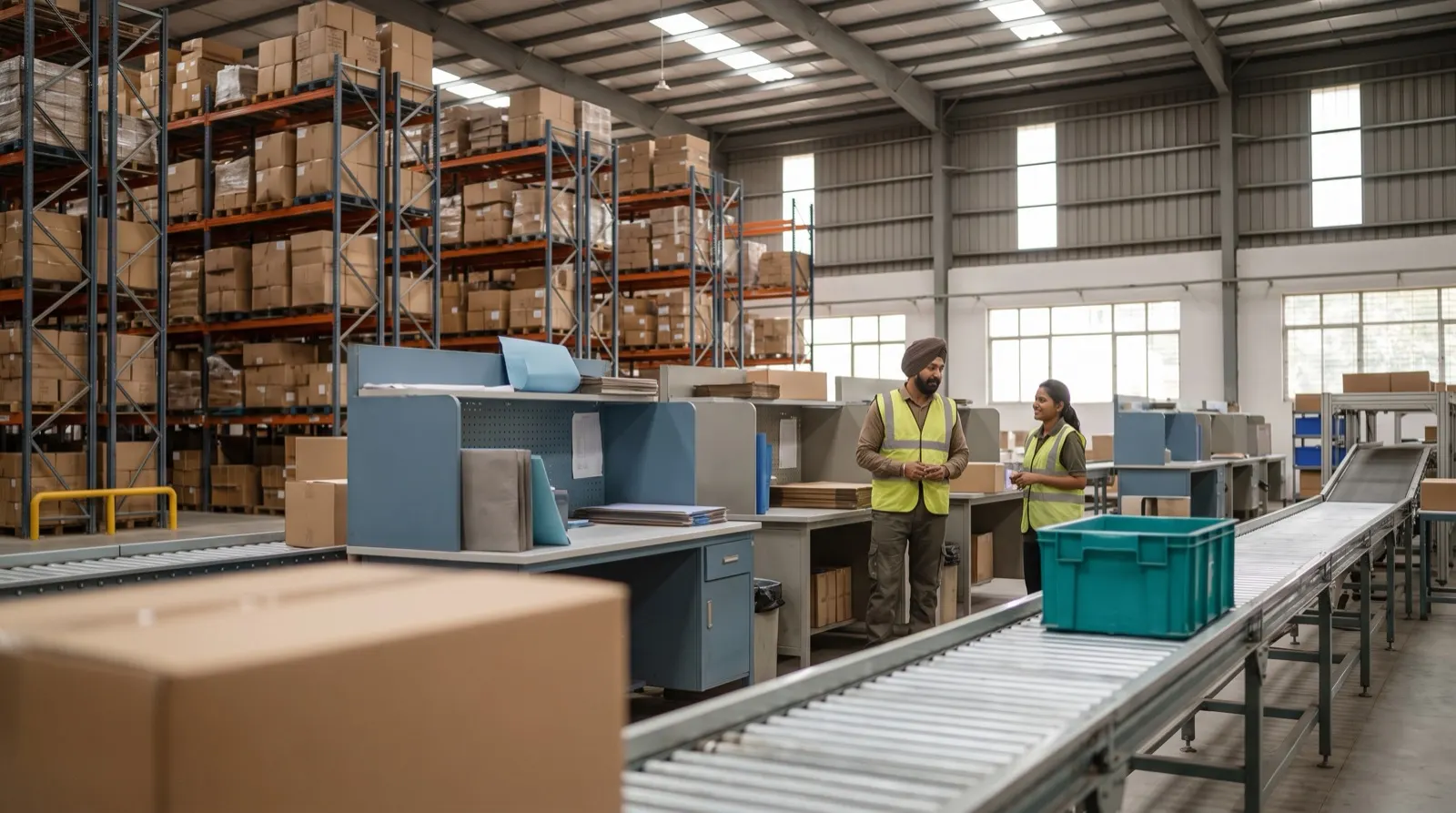
A warehouse that fulfils thousands of small orders every cycle has a lot of moving parts: a purchase list arrives, stock is received and put away, member orders are loaded, bags are chosen, items are picked and packed, bags go into boxes and boxes go onto vans. It is tempting to buy a system and switch all of it on in one go. In our experience, that is the slowest way to get any of it working.
Why switching everything on at once struggles
When every step changes on the same day, every problem shows up on the same day too. Packers are learning a new screen while the purchase list is being read a new way and the boxes are being tracked for the first time. When something goes wrong, nobody can tell which change caused it. The team loses confidence, and the old spreadsheet quietly comes back.
Find the step that costs the most each cycle
Most warehouses already know where it hurts. The question is which pain costs the most time or the most complaints. Warehouse OS is built in modules across warehouse, inbound and outbound, and in practice we usually start with one of two:
| If this is the pain | Start here | What changes first |
|---|---|---|
| People spend days retyping the purchase list, and typos cause stock-outs | Procurement list from PDF | AI reads every row, including merged columns, and splits quantities by hub, checked against the product master |
| Packers guess the bag at the table and repack when it does not fit | Bag allocation by weight | Every order is weighed into a small or large bag, or two, before packing starts |
| Boxes go missing and nobody knows whose they were | Barcode bag-to-box | Each permanent bag tag is scanned and linked to a durable dispatch box |
A commissary kitchen version
Think of a restaurant group with a central commissary that sends prepared ingredients, sauces and dry goods to its outlets each day. If the biggest daily headache is that outlet orders get packed into the wrong crates and outlets call to say something is missing, the first fix is the crate-to-order link, not a new receiving process at the commissary gate. Once crates are traceable, the next most painful step becomes obvious, and the team already trusts the system because it solved the first problem.
Build out on the same record
The reason starting small does not create a mess later is that each module writes to one record. In Warehouse OS each step reads what the one before it wrote, so the box on the van traces back to the bag, the order, the rack and the line on the purchase list. Adding putaway in the 3D twin after bag allocation is live does not mean a second system; it means more of the same record is filled in. The ten steps from list to dispatch can be reached one module at a time.
How we would sequence it
- Write down the steps of one cycle and what goes wrong at each.
- Pick the step with the biggest cost in time, repacks or complaints.
- Run one full cycle with that module live, with the old method as a fallback.
- Fix what the cycle exposes, especially product master gaps.
- Add the next module only when the first one runs without the fallback.
This is slower on paper and faster in practice. Each step that goes live is one the team actually uses, which is the only kind that counts.
If bag sizing is your first pain, read choosing bag size by order weight. If you are still weighing whether you need a system at all, see spreadsheets vs a warehouse system for small orders. Everything else is on the Warehouse OS guides page.