01Retyping the list
The PDF becomes clean rows in under a minute.
- AI reads every row, including merged columns, and splits quantities by hub
- Each line is checked against the product master before it counts
Zero rows typed by hand

EnterpriseWarehouse OS · 3D twin & order fulfilment
Autowhat Warehouse OS is a warehouse management system (WMS) for distribution warehouses that fulfil many small orders every cycle — cooperatives, member stores, B2B and grocery. Procurement is read from the PDF, stock is put away in a 3D warehouse digital twin of the floor, every order is weighed into the right bag, and every bag is scanned to its dispatch box.
WhySound familiar?
From warehouse and operations heads fulfilling many small orders. Composite quotes from discovery calls — the problems are real; the names are left out.

“Two people spend two days typing the purchase list.”
It arrives as a PDF with merged columns; every cycle it is retyped into a spreadsheet, and every typo becomes a stock-out.
Procurement leadDays lost every cycle
“We decide the bag at the packing table.”
Packers guess whether an order fits a small or large bag, repack when it doesn’t, and the line backs up.
Packing supervisorRepacks and a slow line
“A box goes missing and nobody knows whose it was.”
Bags and boxes aren’t linked, so a lost box means calling members to rebuild what was inside.
Dispatch managerComplaints with no trail
HowWhat changes with Warehouse OS
Product screens with illustrative data. In a walkthrough we load one of your cycles.
01Retyping the list
Zero rows typed by hand
02Guessing bags
The packing line just packs

03Lost boxes
Every box traceable to its order

FieldWarehouse OS in the field
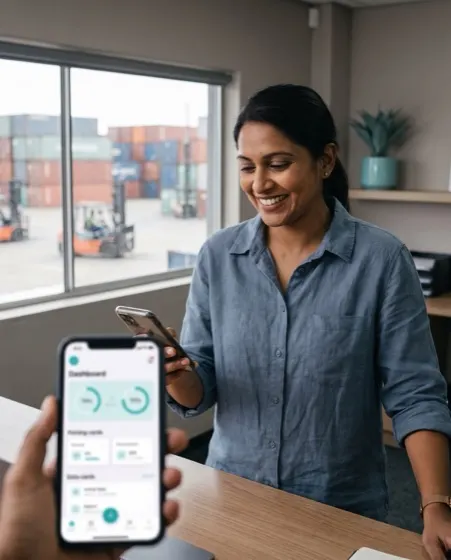
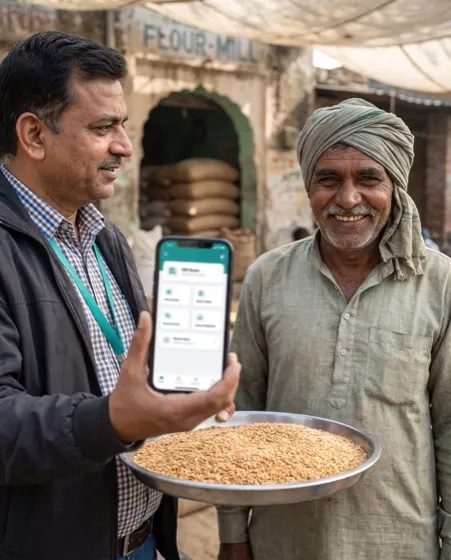
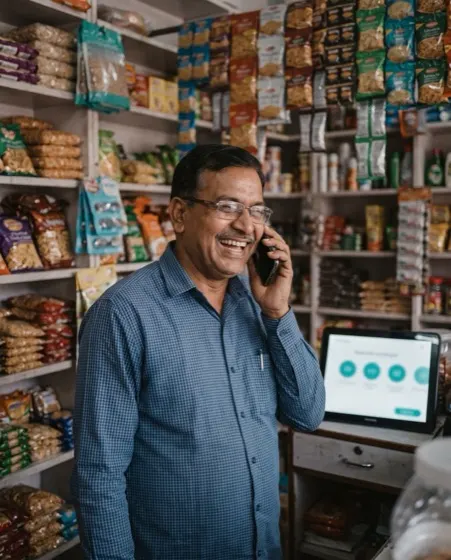
The workplace it runs in, the person who uses it on a phone, the team at the desk and the detail it reads.
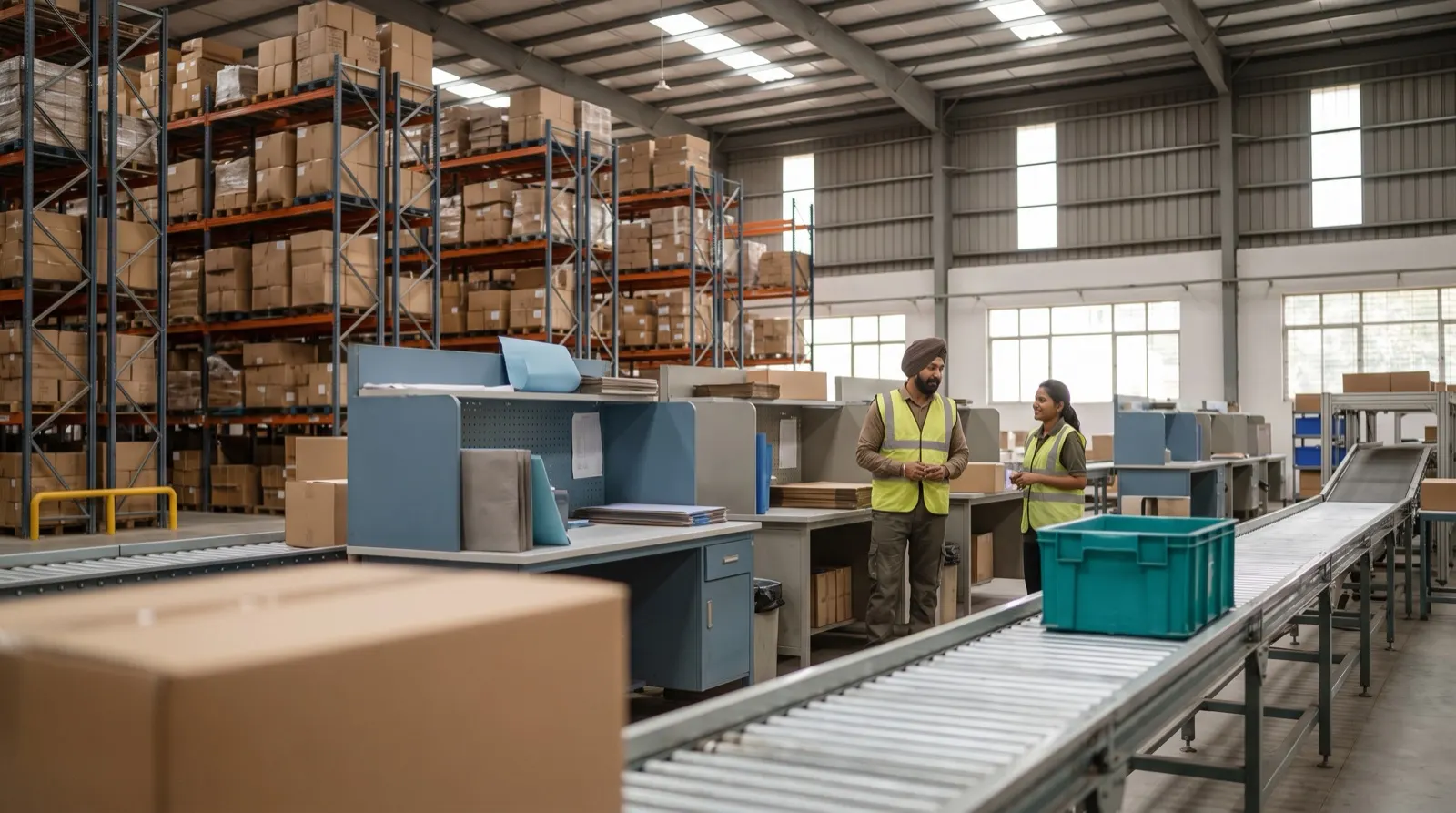
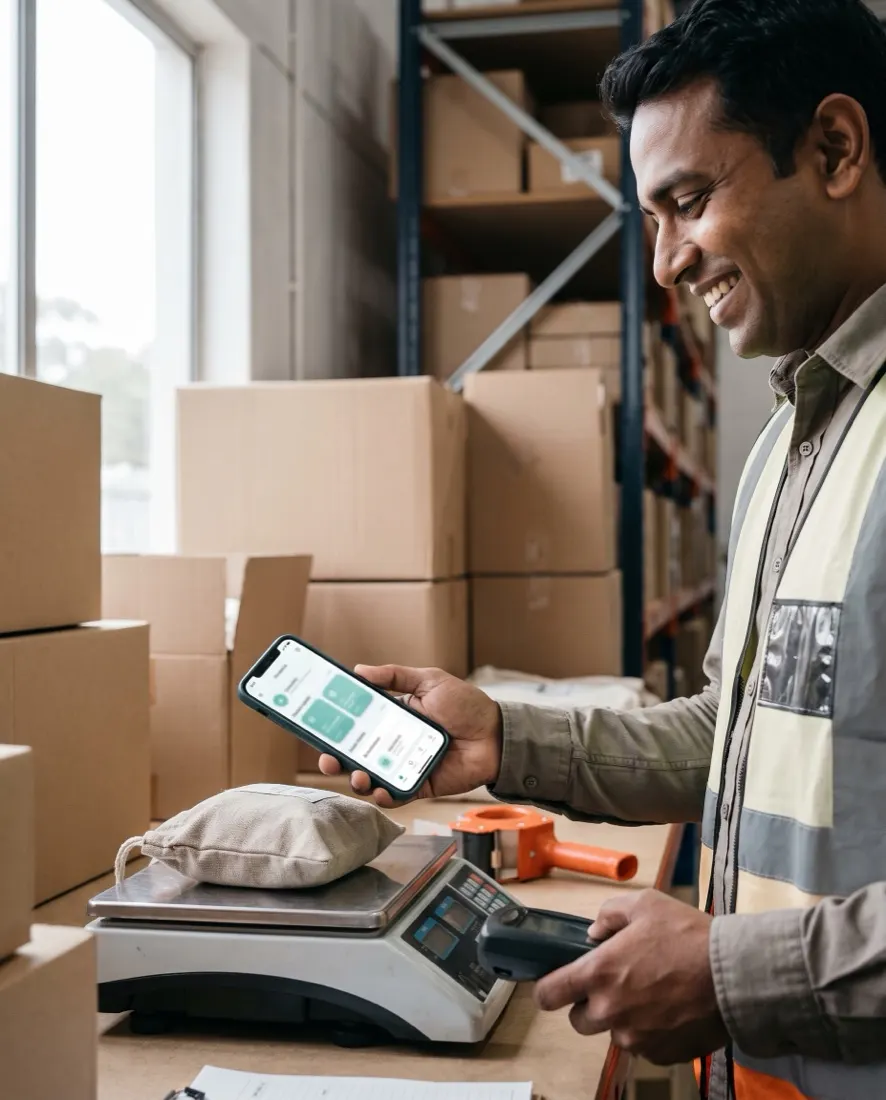
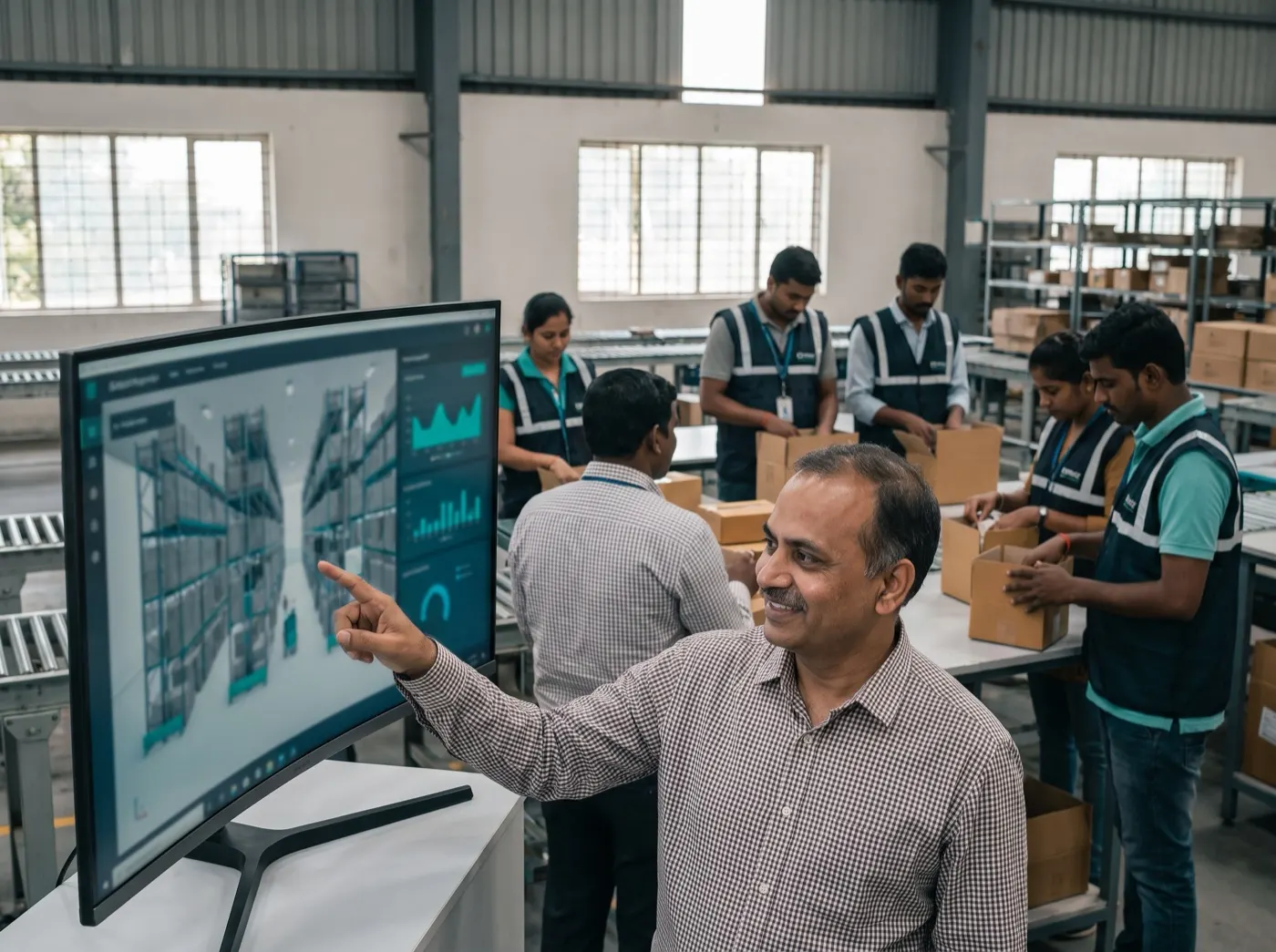
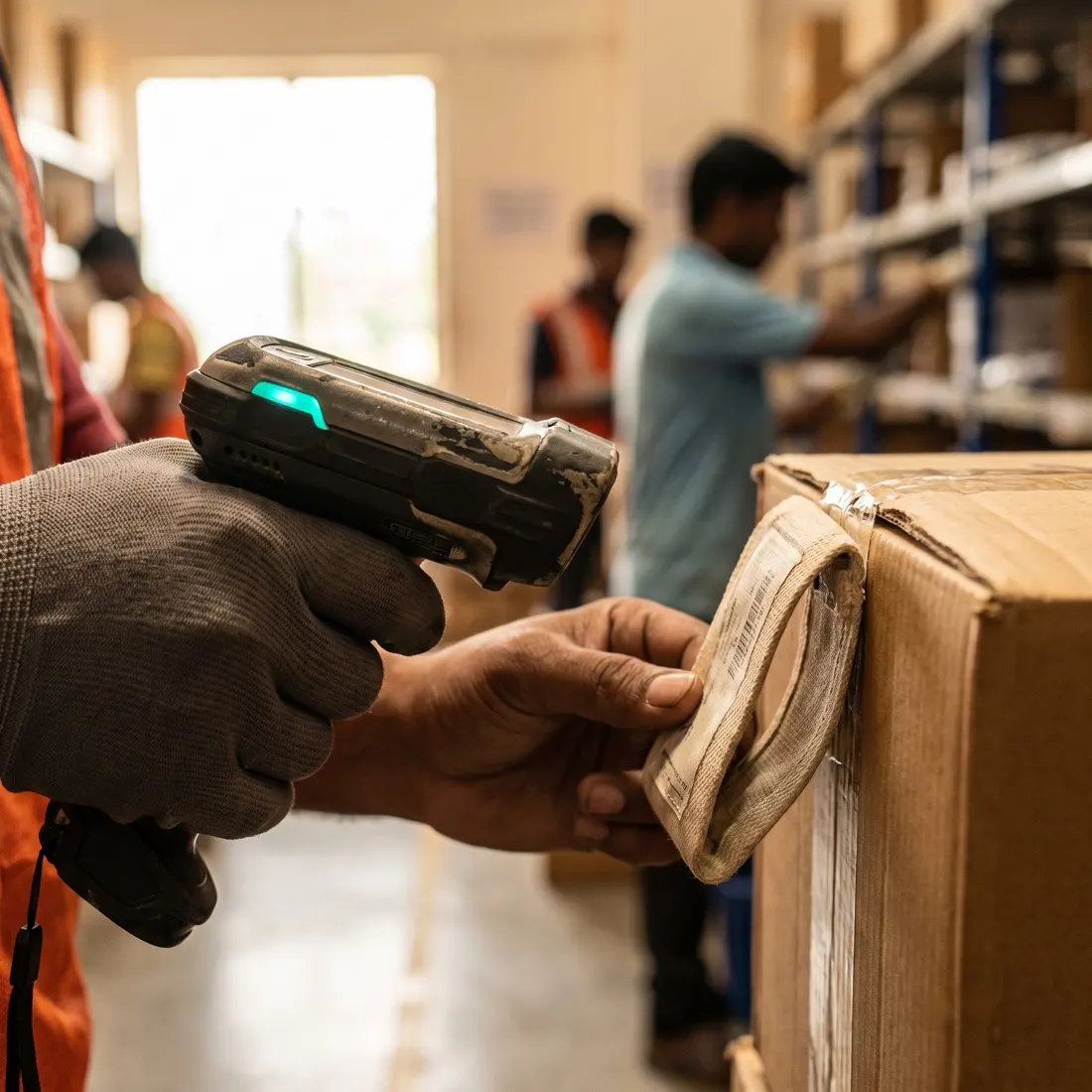
Photographs are illustrative — real customer sites are not shown.
01The screens
The twin, the procurement list read from a PDF, bag allocation, the packing station and today’s fleet routes.
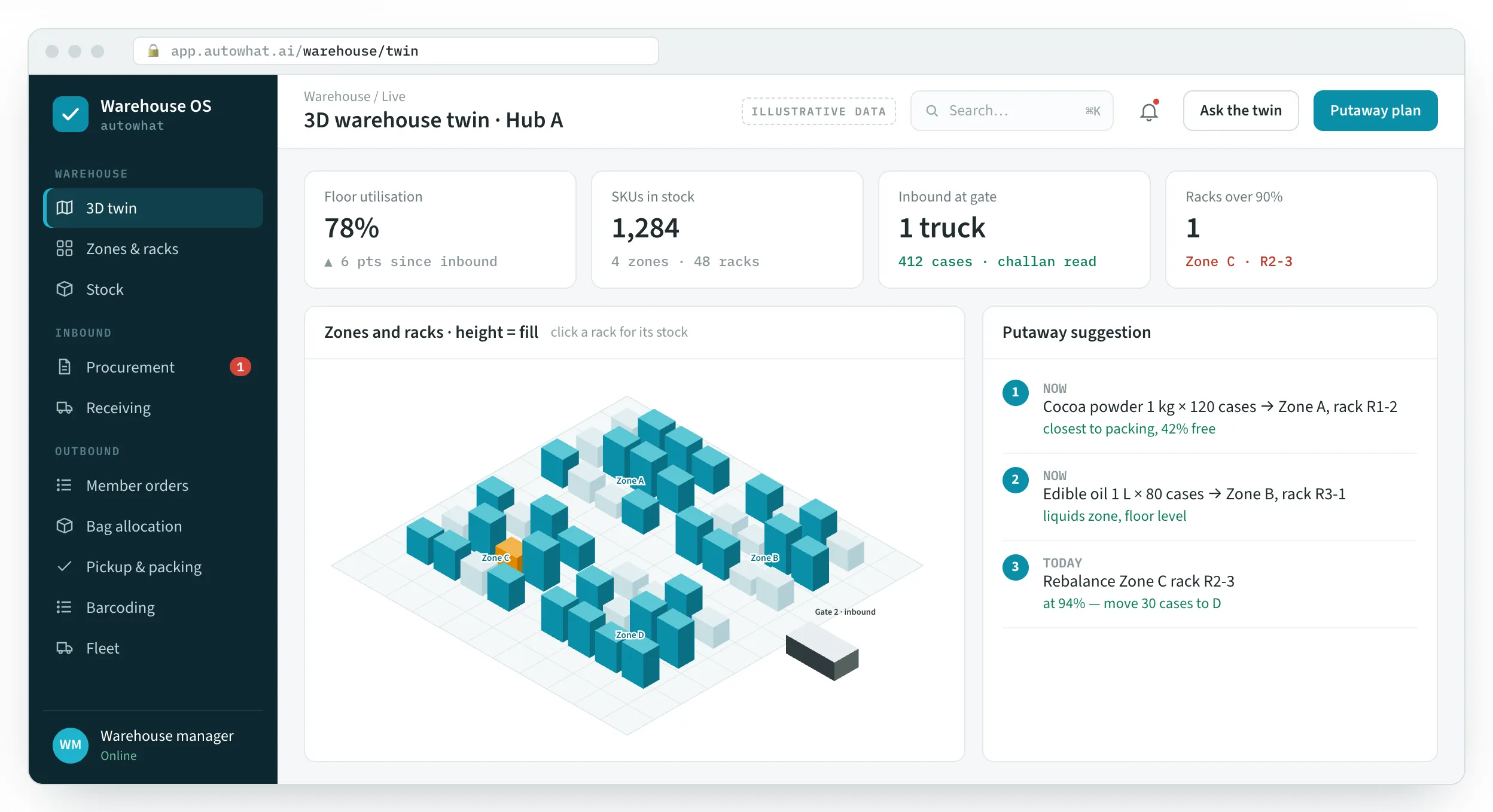
Zones and racks in 3D, height by fill — with a putaway suggestion for the truck at the gate.
Product screens with illustrative data — hubs, members and products are placeholders.
02List to dispatch
Each step reads what the one before it wrote — so the box on the van traces back to the bag, the order, the rack and the line on the purchase list.
PDF → rows
The cycle’s purchase list arrives as a PDF; AI reads every row, including merged columns, in under a minute.
Product master
Each line is matched to its SKU, packing, weight and zone — mismatches flagged, not guessed.
Vehicle · gate · challan
Vehicle number, gate and challan logged; quantities checked against the list.
3D twin
Stock goes to the zone and rack the twin suggests, by size, weight and how close it sits to packing.
Orders by hub
Thousands of member orders uploaded per cycle and joined with product weights.
By weight
Each order gets a small or large bag — or two — before anyone reaches the packing table.
Pickup → packing
Pick lists by zone; packers verify item by item against the order.
Barcode
The permanent bag tag is scanned and linked to the dispatch box — one scan each.
Fleet
Boxes loaded by route, solved for distance and van fill.
Audit trail
Every receipt, move and dispatch is on the record — what came in, what went out, when.
03Modules
Start with the module that hurts most — usually bag allocation or the procurement list — and add the rest on the same record.
MoreRelated Enterprise products
OverviewWarehouse OS · warehouse management system
A warehouse management system records what arrives, where it is stored, and how each order is picked, packed and dispatched. For Indian distribution warehouses that fulfil thousands of small orders every cycle, such as cooperatives, member stores, B2B and grocery, the hard parts are rarely the racks. Purchase lists arrive as PDFs with merged columns and are retyped by hand, bag sizes are guessed at the packing table, and a lost box cannot be traced back to its order.
Warehouse OS runs the cycle as ten steps on one record. AI reads the PDF purchase list into rows in under a minute and checks each line against the product master. Stock is received with vehicle, gate and challan, then put away where the 3D twin suggests. Member orders are joined with product weights and given a small or large bag, or two, before packing; each permanent bag tag is scanned to a dispatch box that carries its route, van and member.
AI reads every row, including merged columns, splits quantities by hub, and checks each line against the product master before it counts.
Zones and racks are shown in 3D, height by fill, and stock goes where the twin suggests by size, weight and distance to packing.
Vehicle number, gate and challan are logged, and received quantities are checked against the purchase list.
Orders are joined with product weights and allocated small, large or split, with liquids and heavy items handled by rule.
Permanent bag tags are scanned to durable dispatch boxes, one scan each, so every box traces back to its order, rack and purchase line.
Pick lists by zone, item-by-item verification at packing, and boxes loaded by route, solved for distance and van fill.
| Manual / spreadsheets | Generic software | Warehouse OS | |
|---|---|---|---|
| Purchase list intake | Retyped from PDF by hand | CSV import in a fixed format | AI reads the PDF, including merged columns, in under a minute |
| Putaway | From memory | Bin location fields | 3D twin suggests zone and rack by size, weight and distance to packing |
| Bag selection | Guessed at the packing table | Not covered | Small, large or split by order weight before packing starts |
| Bag-to-box link | None | Box-wise packing list | Permanent bag tag scanned to a durable box with route, van and member |
| Many collection points | Separate sheets per hub | Often single-site | Orders by hub from one warehouse, with stock history kept |
LearnWarehouse OS guides and tools
10 pages on the problems Warehouse OS solves. See them all on one page →
FAQQuestions we get about Warehouse OS
Warehouse OS is an Autowhat AI product for warehouse and operations heads fulfilling many small orders. Short, factual answers for buyers, procurement and the assistants people ask first.
In short. Warehouse OS is a warehouse management system from Autowhat AI, built for warehouse and operations heads fulfilling many small orders. It exists to remove the problems those teams describe in almost every first conversation: purchase lists retyped from merged-column PDFs every cycle; repacks and a slow line from guessed bag sizes; and complaints with no trail from bag to box. With Warehouse OS, AI reads every row of the purchase list and splits quantities by hub in under a minute, orders are joined with product weights and given a small, large or split bag, and permanent bag tags are mapped to durable dispatch boxes. It connects to PDF intake (AI), 3D warehouse twin, Scales & scanners and Dispatch manifests, is used by Warehouse · packing · dispatch, and runs on web + handheld. Like every Autowhat AI product, Warehouse OS goes live on one site, lane or process first, usually within weeks, on managed cloud, in your own VPC or on-premises, and shares one operational record with the other products, so the second deployment reuses the data and integrations of the first.
A warehouse management system records receiving, putaway, picking, packing and dispatch so stock and orders are on one record. Warehouse OS does this for warehouses fulfilling many small orders, from a PDF purchase list to boxes on routed vans.
Orders are loaded by hub and joined with product weights, then each order is given a bag size before packing. Packers verify item by item, and each bag is scanned to its dispatch box, so every box traces to its order.
Warehouse OS reads the cycle's purchase list PDF with AI, including merged columns, in under a minute. Each line is matched to the product master; mismatches are flagged, not guessed.
Switch when retyping lists, guessing bags or untraceable boxes cost days each cycle. Warehouse OS can start with the module that hurts most, usually bag allocation or the procurement list, and add the rest on the same record.
Inventory management software tracks how much stock you hold; a warehouse management system also tracks where it sits and how each order is received, put away, picked, packed and dispatched. Warehouse OS keeps stock and stock history by zone and rack, and links every packed bag to its dispatch box.
An ERP counts what you own; a warehouse management system tracks where stock sits and how each order is picked, packed and dispatched. Warehouse OS covers the floor: putaway by zone and rack in a 3D twin, item-by-item verification at packing, and each permanent bag tag scanned to a dispatch box with its route, van and member.
Look for the steps that cost you days each cycle. For many small orders that means reading PDF purchase lists without retyping, choosing bag size by order weight before packing, and tracing every box to its order. Warehouse OS covers these on one record and can start with the module that hurts most.
It depends on scope and how many modules go live at once. Warehouse OS starts with the module that hurts most, usually the purchase list PDF or bag allocation, goes live on one site first and adds the rest on the same record.
Yes. Warehouse OS is built for distribution warehouses fulfilling many small orders each cycle, including cooperatives, member stores, B2B and grocery, with orders by hub across many collection points.
Warehouse OS is priced per deployment after a 30-minute working session using one of your cycles; there is no public list price. It runs on web and handheld, on managed cloud, in your VPC or on-premises.
Warehouse and operations heads fulfilling many small orders. Procurement read from PDF, putaway in a 3D twin, orders weighed into bags before packing starts and scanned to boxes — so a lost box can be rebuilt from the record, not from phone calls.
Purchase lists retyped from merged-column PDFs every cycle; repacks and a slow line from guessed bag sizes; complaints with no trail from bag to box.
AI reads every row, splits quantities by hub, in under a minute; orders joined with product weights — small, large or split; permanent bag tags mapped to durable dispatch boxes.
It connects to PDF intake (AI), 3D warehouse twin, Scales & scanners, Dispatch manifests. Users: Warehouse · packing · dispatch. Channel: Web + handheld.
With a 30-minute working session on your own data — an engineer from the relevant sector, not a sales queue. The first wave is scoped in that call; most products go live on one site, lane or process within weeks and then scale.
On managed cloud, in your own VPC (AWS, Azure or GCP) or on-premises, with your keys. SOC 2 Type II and ISO 27001 controls, India data residency when required, and local or open-weight models when policy demands it. The data stays yours.
04Walkthrough
A working session: your PDF read, your orders weighed into bags, and your floor in 3D.