

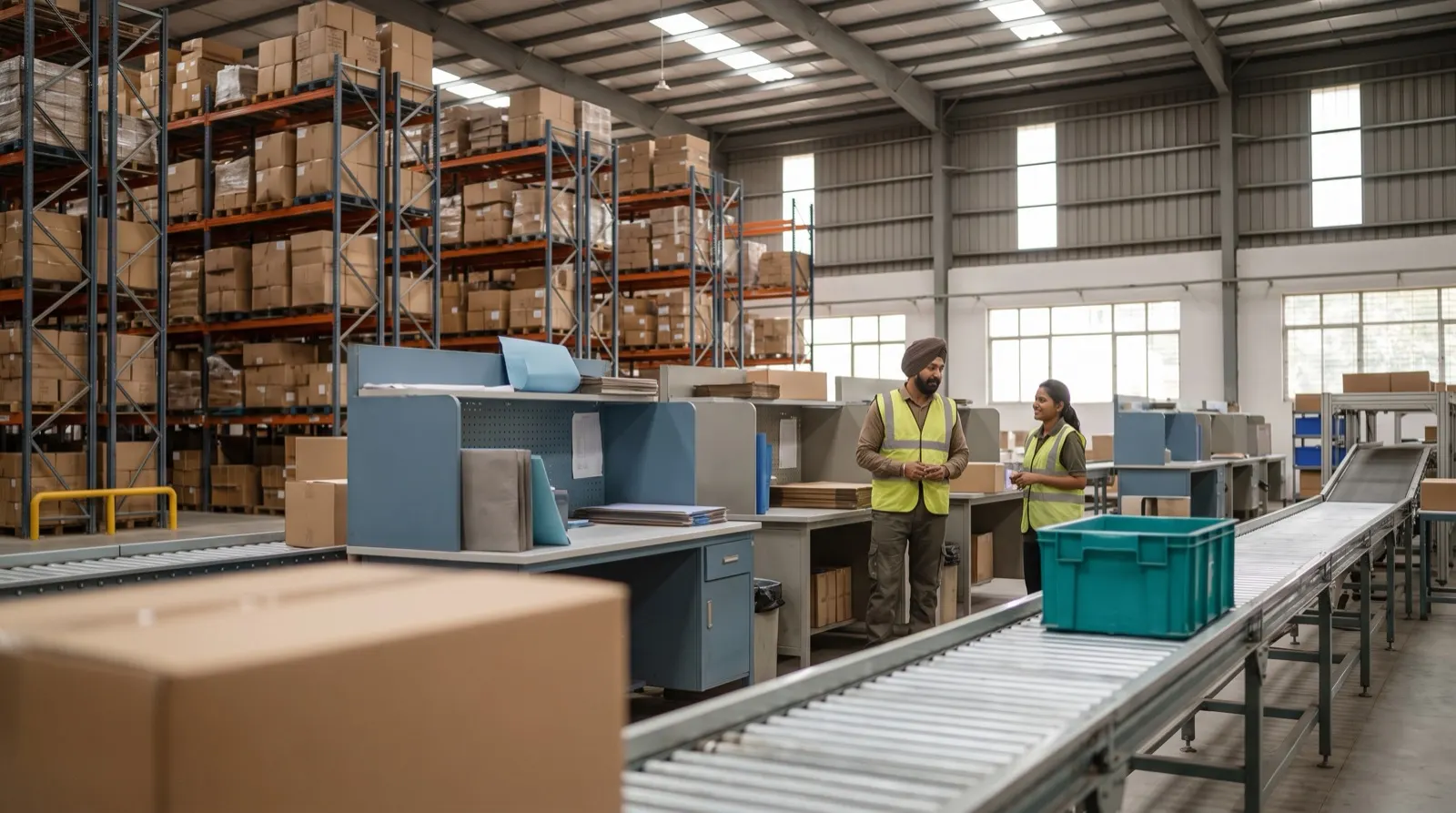
It is 9 pm on packing day in a distribution warehouse outside Pune. The ERP says 1,180 cartons of cooking oil are in stock. The supervisor knows roughly where they are, the packers know which orders still need them, and a dispatch manager is on the phone with a member store asking where box 412 went. The ERP is correct. It is also no help to anyone on the floor.
Our view is simple: an ERP tells you what you own, and a warehouse management system for small orders tells you where it is, whose order it belongs to and which box it left in. Both are useful. They are not the same tool, and buying one in place of the other is where much of the pain begins. If you are still weighing the step before this one, our comparison of spreadsheets vs a warehouse system for small orders covers it.
The ERP and the WMS answer different questions
An ERP is built around transactions that touch money. A purchase order is raised, goods are received against it, an invoice is booked, stock value moves. Its inventory module counts quantities by item and location, usually at the level of a warehouse or a store. That is exactly what finance and purchase need.
A warehouse system is built around physical movements. It cares about the rack, the bag, the barcode and the van. Here is how we would split the questions:
| Question | Usually answered by | Why |
|---|---|---|
| How much stock do we own, and what is it worth? | ERP | Valuation, ledgers and tax sit with the books |
| Which rack should this truck's stock go to? | WMS | Needs zone, size, weight and distance to packing |
| Does this order fit one bag or two? | WMS | Needs order lines joined with product weights |
| Which box did member 2,031's bag go into? | WMS | Needs a scan that links bag to box |
| What did we pay the supplier this cycle? | ERP | Purchase and payables live in the books |
Notice that none of the WMS questions involve money directly. They involve minutes at the packing table and phone calls from stores. That is why the ERP rarely feels the problem, and the floor always does.
The ERP runs out of detail at the packing table
Many ERP inventory modules stop at "received" and "dispatched". Everything in between is a black box. For a warehouse shipping a few large consignments a day, that black box is small and people can carry it in their heads. For a cooperative or grocery distributor packing thousands of member orders per cycle, the black box is the whole job.
Look at what happens between those two ERP events in a small-order warehouse. The purchase list arrives as a PDF with merged columns. Stock is checked at the gate against a challan. It is put away somewhere. Orders are loaded by hub, bags are chosen, items are picked by zone, packers verify item by item, bags go into boxes and boxes go onto routes. Roughly ten steps, and the ERP sees two of them.
The ERP knows you shipped 2,000 orders. Only the warehouse system knows which box each one left in.
A worked example: what the gap costs in one cycle
These numbers are illustrative, not a customer result. Say a member-store network packs 2,000 orders in a cycle. Bag size is decided at the packing table by eye.
- If 3 in every 100 orders go into the wrong bag size, that is 2,000 × 0.03 = 60 repacks.
- If each repack takes 4 minutes of a packer's time, that is 60 × 4 = 240 minutes, or 4 hours of line time.
- If 5 boxes go missing on the route and each takes 30 minutes of calls to rebuild, that is 5 × 30 = 150 minutes, or 2.5 hours for the dispatch team.
That is about 6.5 hours of rework in one cycle, and the ERP records none of it. The stock count still balances. The invoices still go out. The cost shows up as a tired packing line and an angry member store, which are real but never appear on a report.
A warehouse system closes that gap by deciding the bag before packing starts, from order lines joined with product weights, and by scanning each permanent bag tag to a dispatch box. Our bag-to-box traceability playbook walks through the second part in detail.
The strongest objection: "our ERP has a warehouse module"
This is a fair point, and we take it seriously. Many ERPs do offer bin locations, pick lists and barcode receiving, and for some warehouses that is enough. If you ship a modest number of large orders, your purchase lists arrive as clean files, and nobody is choosing bag sizes, extending the ERP is often the sensible choice. One system means one login, one master and one place to look.
The question is whether the module fits your floor or forces your floor to fit it. Three tests help:
- Can it read your purchase list as it actually arrives, PDF and merged columns included, without someone retyping it?
- Can it decide bag size from order weight before packing, with rules for liquids and heavy items?
- Can it trace a lost box back to its bag, order and rack with one search?
If the answer to all three is yes, keep it. If the answer is no, adding more ERP customisation usually means paying to bend a finance tool into a floor tool. That is the point where a separate warehouse system earns its place.
The sensible setup keeps each tool on its own job
We do not think a warehouse system should replace an ERP. The books belong in the books. The cleanest arrangement we would suggest is a clear division: the ERP owns item codes, purchase orders, valuation and invoices, and the warehouse system owns the physical record from purchase list to dispatch.
The product master is where the two meet, and it deserves care. In Warehouse OS each purchase list line is matched to its SKU, packing, weight and zone before it counts, so a weight missing from the master shows up as a flagged mismatch rather than a wrong bag later. Whichever system you run, agree early on who owns the item code and who owns the weight, and how often the two are compared. Ask any vendor, us included, exactly how stock positions move between the two systems and who fixes a mismatch.
Indian small-order warehouses feel this gap sooner
Several things make the gap wider here. Purchase lists from suppliers and head offices still arrive as PDFs more often than as clean files. Gate entry runs on vehicle numbers and paper challans. Cooperatives and member-store networks serve many collection points from one warehouse, so orders need splitting by hub. And grocery mixes are heavy on liquids and bulky packs, which makes bag choice a real decision rather than a formality.
None of that is exotic. It simply sits in the part of the cycle that an ERP inventory module does not model. Teams end up running it on spreadsheets and memory alongside the ERP, which is the arrangement that breaks first on a busy packing day.
What to do this week
- List the ten or so steps of one cycle, from purchase list to dispatch, and mark which ones your ERP actually records.
- For the unrecorded steps, note what goes wrong: retyping, repacks, lost boxes, wrong racks.
- Put rough numbers on one cycle using the arithmetic above, with your own order count and times.
- Run the three tests on your ERP's warehouse module before deciding whether to extend it or add a separate system.
If the gap turns out to be small, you have saved yourself a project. If it is large, you will know exactly which step to fix first. More detail on each step is on the Warehouse OS guides page.