

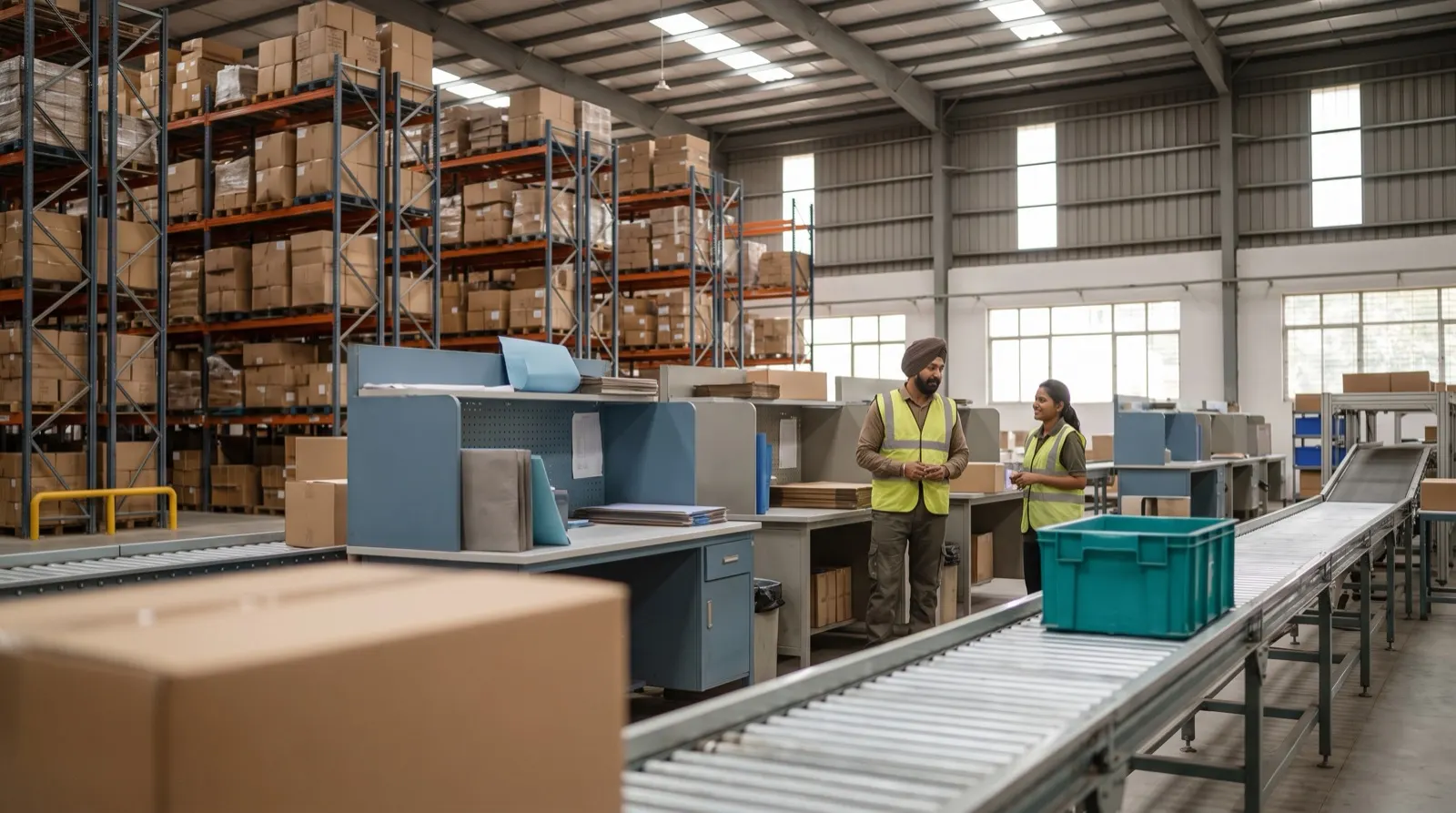
The warehouse management system cost in India is driven by four things you can count today: how many hubs or collection points you serve, how many orders you pack each cycle, how many handhelds and scanners the floor needs, and whether the system runs on managed cloud, in your own VPC or on-premises. Which modules go live first is the fifth.
Picture the operations head of a member-store cooperative on a Monday morning, three vendor emails open, each asking a different set of questions before any of them will talk about price. It feels like stalling. Our view is different: a WMS quote is a reading of your floor, so the warehouse that has counted its own work gets the clearest answer.
There is rarely one list price, because no two floors have the same work
A warehouse that ships a few large consignments a day and a cooperative that packs thousands of member orders for dozens of collection points both "need a WMS". They do not need the same amount of it. One has a handful of picks; the other has bag choices, bag-to-box scans and routed vans on every cycle.
That is why we price per deployment after a 30-minute working session, using one of your cycles, and do not publish a list price. In that session the team looks at your purchase list, your order file and your floor, and the scope of the first wave is agreed there. You leave knowing what is in it and what is not.
Five drivers move the cost, and each one can be counted
Here is how we would break it down. None of these needs a quote to answer; each needs someone on your team to count.
| Driver | Why it moves cost | What to have ready |
|---|---|---|
| Number of hubs or collection points | Orders and purchase quantities are split by hub, and each hub adds routes, boxes and dispatch records | A list of hubs and how many orders each takes in a normal cycle |
| Orders per cycle | More orders mean more bag allocations, more pick lines, more packing checks and more scans to box | Order count for your last three cycles, and your busiest one |
| Handhelds, scales and scanners | Every packing station, gate and dispatch bay that scans needs a device and a place in the setup | A floor sketch with stations marked, and which devices you already own |
| Deployment: managed cloud, your own VPC or on-premises | Running inside your own cloud account or on your own servers adds setup and security work on both sides | Your IT or data policy, and whether data must stay in India |
| Modules live in the first wave | The system has warehouse, inbound and outbound modules; starting with one costs less than switching on all of them | The one step that hurts most, usually the purchase list PDF or bag allocation |
Two of these are easy to underestimate. Hubs multiply everything downstream, because each one is a separate drop with its own boxes. Devices are often counted as "a few scanners" until someone walks the floor and marks every station.
A worked example: counting a cycle before the session
Illustrative numbers only, about counting, not money. Say a grocery cooperative serves 12 collection points from one warehouse.
- Orders in a normal cycle: 12 hubs × 250 orders = 3,000 orders.
- Orders that need two bags because of weight: 1 in 5, so 3,000 ÷ 5 = 600 extra bags, and 3,000 + 600 = 3,600 bags to scan.
- Boxes on the vans, at 8 bags a box: 3,600 ÷ 8 = 450 boxes, each carrying its route, van and member.
- Handhelds: 6 packing stations + 2 at the gate and putaway + 2 at dispatch = 10 devices.
- Deployment: managed cloud, unless the IT team says the data must sit in your own VPC.
That one page of counts is worth more than any brochure. It tells the engineer in the session how many bag-to-box scans the floor makes, how many hubs the routes cover and how many devices to plan for. It also tells you which number to watch if the business grows: here, adding four hubs would add 4 × 250 = 1,000 orders and, at the same 1 in 5 two-bag rate, 1,200 more bags to scan per cycle.
The shortest WMS conversation is the one where you already know your hubs, your orders, your devices and where the data must live.
Where the system runs changes the work more than people expect
Deployment is the driver most buyers leave to the end, and it should come first. Managed cloud keeps the infrastructure off your plate. Your own VPC suits a group whose policy says operational data stays inside its own cloud account, with its own keys. On-premises suits sites whose rules keep systems on their own servers, and it brings those servers, backups and updates into the plan.
None of these is wrong. Each one simply puts different work on the table. Ask your IT lead which one policy requires before the first session, so the scope is drawn once.
Starting with one module is the strongest lever on cost
A WMS for small orders covers ten steps, from the purchase list to the box on the van. You do not have to switch them all on at once. We usually suggest starting with the step that costs the most each cycle, which is most often reading the purchase list PDF or choosing bag size by weight.
In Warehouse OS each module writes to one record, so adding putaway or fleet routes later fills in more of the same record rather than starting a second system. Our guide to choosing bag size by order weight shows what the bag allocation step involves if that is where you start.
The fair objection: "just tell me the number"
This is reasonable, and we hear it often. A buyer comparing options wants one figure per vendor in a spreadsheet, and questions before a price can feel like a sales tactic. If your warehouse is simple, a few large orders and one site, a packaged tool with a fixed price may be the right answer, and you should take it.
The trouble is that a number given without the counts above is a guess. It either carries a margin for everything that might be in scope, or it leaves things out that come back later as changes. For a floor with many hubs and thousands of orders, the counts decide the work. If you are still deciding whether you need a system at all, our comparison of spreadsheets vs a warehouse system for small orders is the better first read.
What to do this week
- List your hubs or collection points and the orders each took last cycle.
- Pull the order count for your last three cycles and mark the busiest.
- Walk the floor and mark every station that would scan: gate, putaway, packing, dispatch.
- Ask IT whether the system must run on managed cloud, in your VPC or on-premises.
- Pick the one step that hurts most, so the first wave has a clear edge.
With those five answers on one page, the working session becomes a short, specific conversation about your floor. More on each step is in our warehouse guides and playbooks.